1. Choose the call
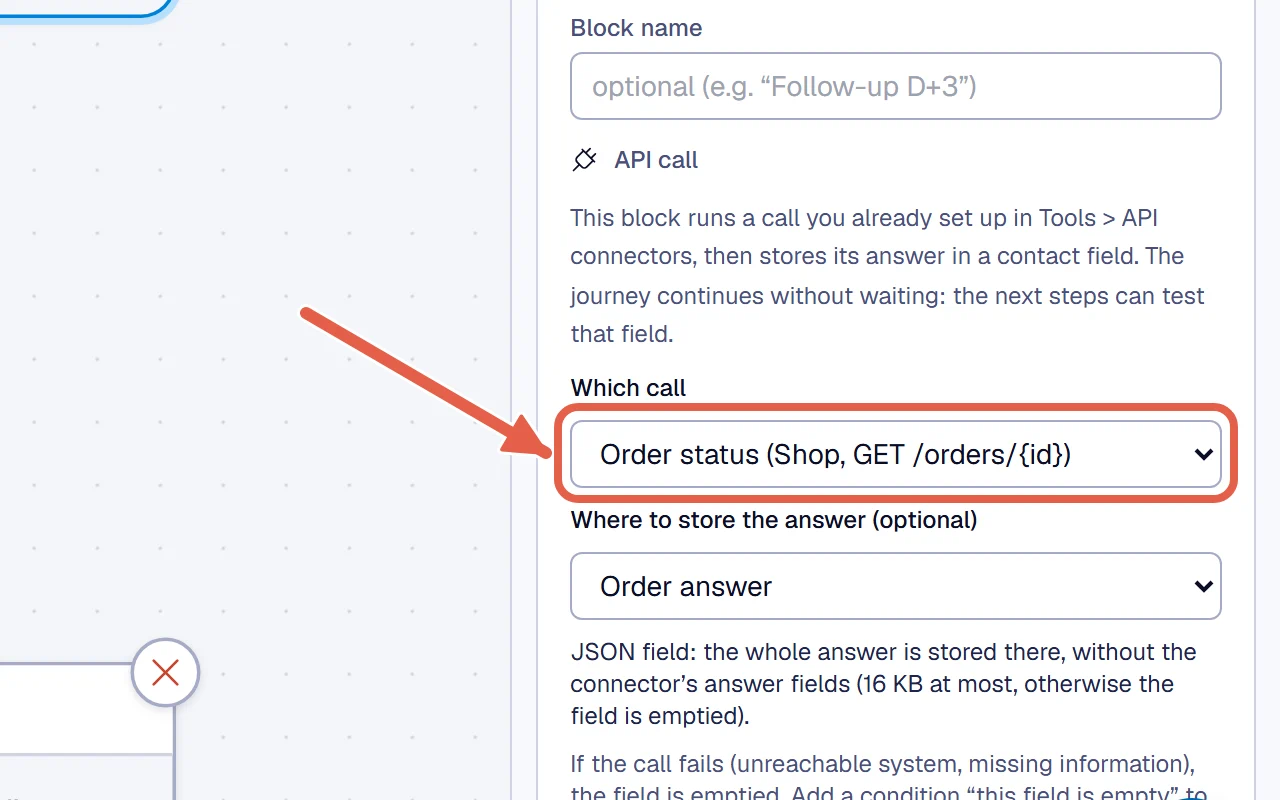
Click the block, then choose in "Which call".
In detail
- The block is greyed out in the palette until a call is declared in Tools > API connectors.
- A call used by a block cannot be deleted: remove it from the block first.
- Each call is written to the call log.
2. Choose where to store the answer
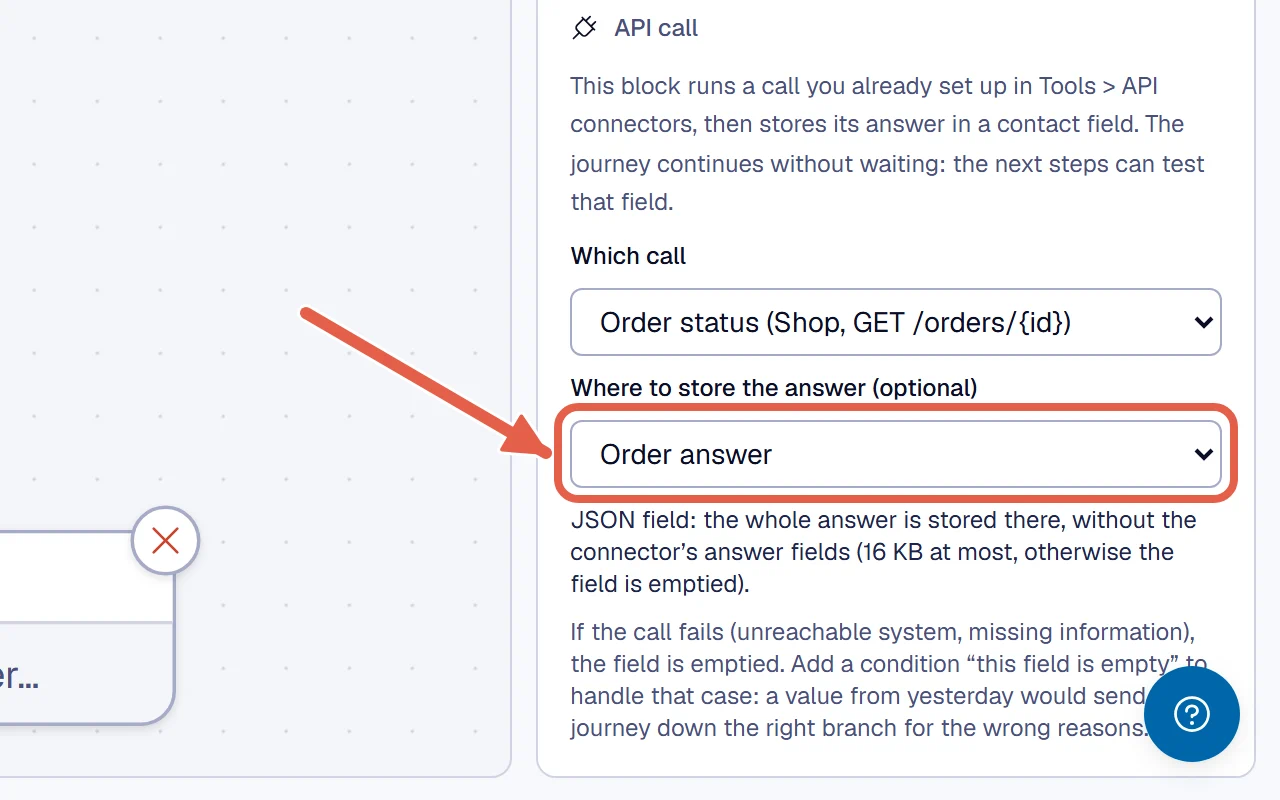
"Where to store the answer", optional.
In detail
- Without a field, the call only sends: the answer is not read, and the journey goes on whether it succeeds or not.
- An ordinary field receives the answer fields declared on the call; a JSON field receives the whole answer, 16 KB at most.
- If the call fails (10 seconds without an answer, answer over 64 KB, unreachable system, missing information, refusal from the system), the field is emptied: connect a Condition "this field is empty".
- A file received by a Question block goes to your system through a link valid for 15 minutes.
3. Connect what follows
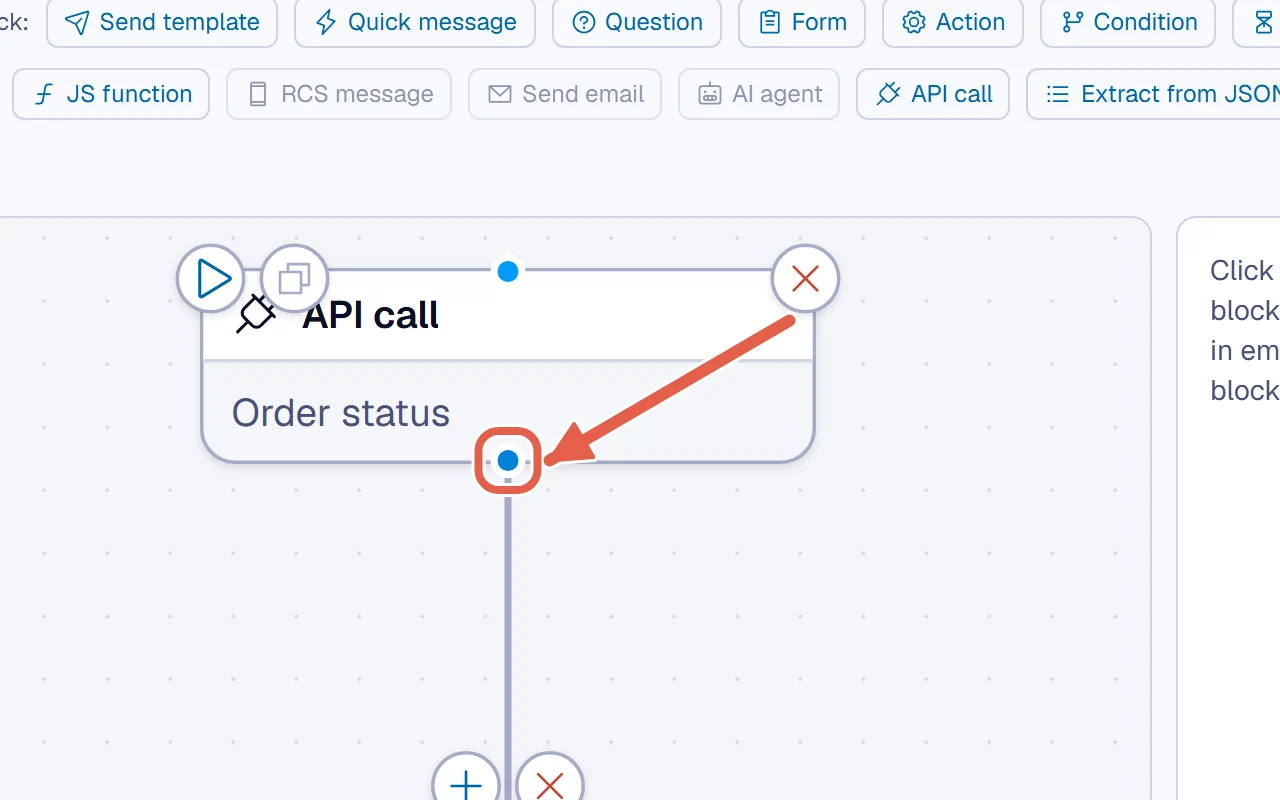
The block has only one dot, at the bottom: what follows goes out right away.
In detail
- A Condition placed right after it reads the answer that just arrived, except in a campaign or behind "Then, without waiting": it then reads the old value. Place a Wait between the two, after the first template.
- The call goes out even for a contact who said STOP.
- It can follow the "Then, without waiting" output of a quick message.
- Connected to nothing, the journey stops there.