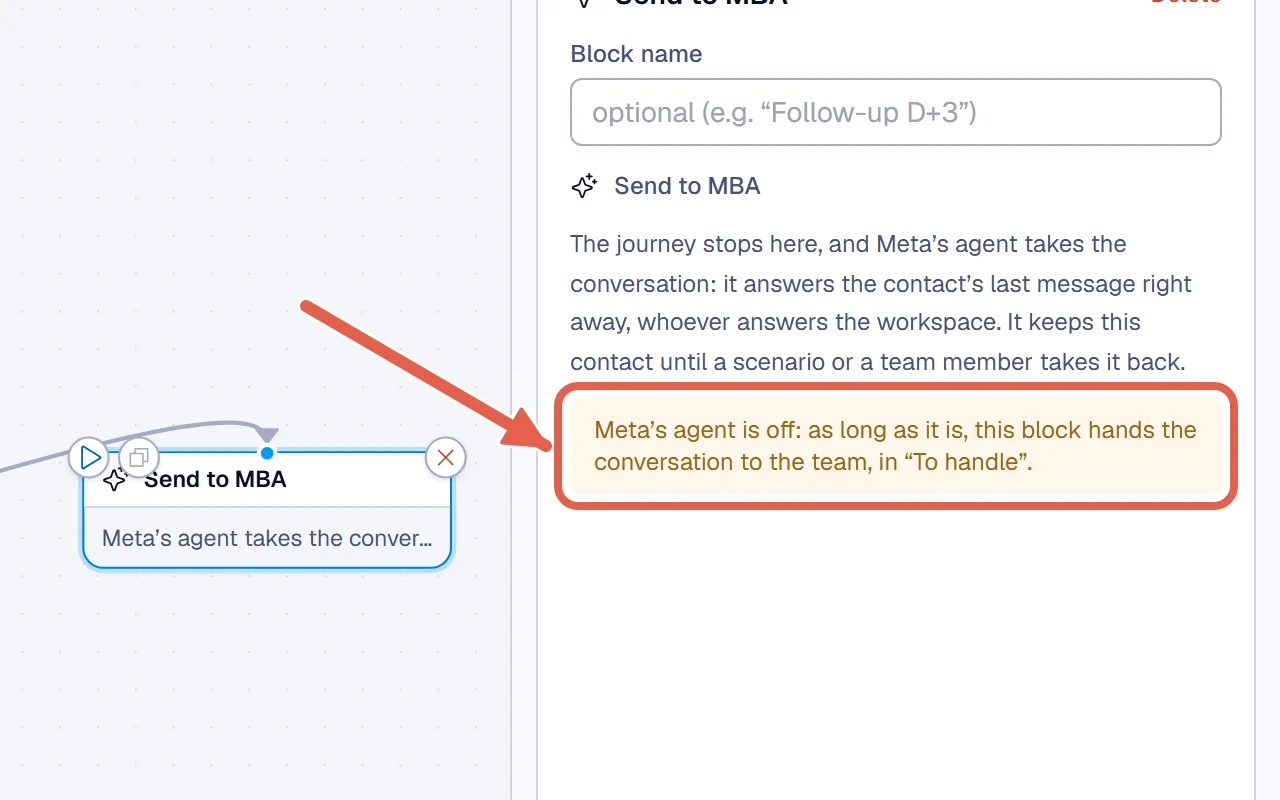
1. Place it at the end of the journey
Nothing to fill in: the block has no output, the journey stops there.
In detail
- The agent answers the contact's last message if it is still unanswered. If the scenario wrote after it, the agent waits for the next message.
- For it to answer a question, have the scenario say "ask us your question" just before this block: the contact's question then reaches it directly.
- Placed at the start of a scenario, it closes the contact's journey in progress.
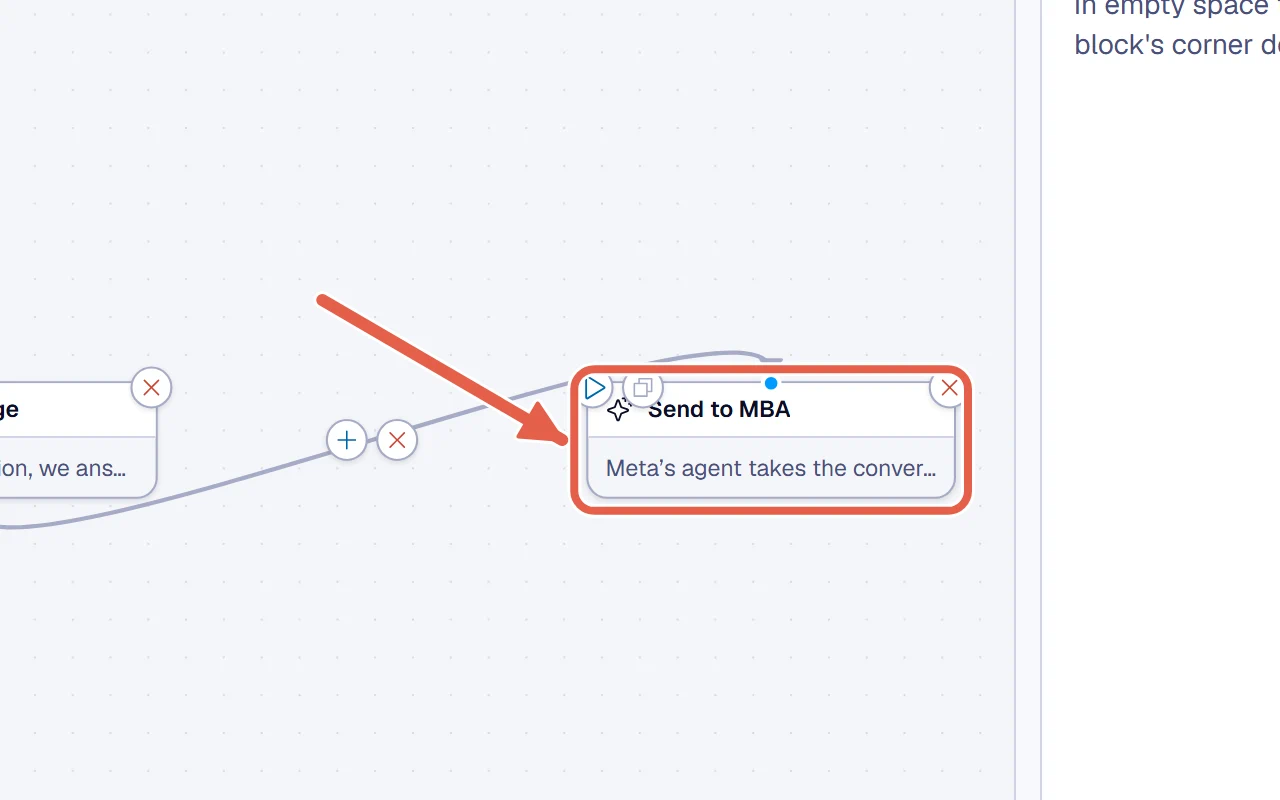
2. Plan for the agent being off
If Meta's agent is off, the block's panel warns you.
In detail
- Off, or a contact it cannot take (unsubscribed, refused by Meta): the conversation goes to your team, in "To handle", and the Error log says why.
- Alone at the start of a scenario, it prevents launching it as a campaign; after a template, it is allowed.
- It cannot follow the "Then, without waiting" output of a quick message: the scenario cannot be published.