
Click-to-WhatsApp adsAds that open a conversation, run from one place.
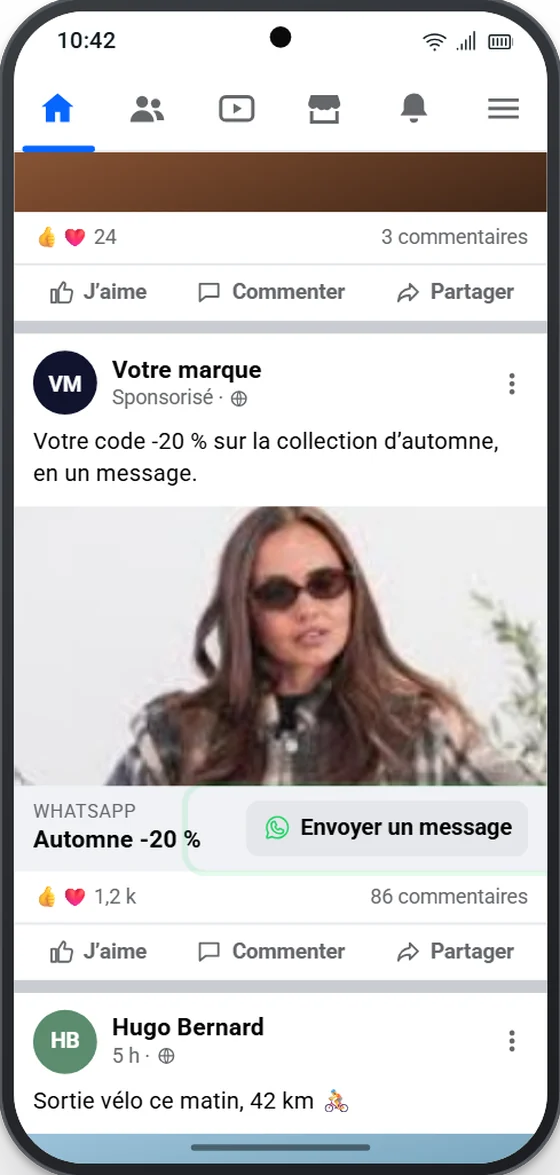
A tap on the ad opens WhatsApp, not a landing page.
And no more back and forth between the Ad Account in Meta’s Business Manager and a conversational platform: the ad, the scenario that answers and the results are all in Messaging Me.
Before, a Click-to-WhatsApp ad was endless work.
The ad is created in the Ad Account of Meta’s Business Manager, the scenario that answers on a conversational platform. You have to link the two, switch from one to the other at every change, then match the spend on one side with the conversations on the other.
Meta Business Manager
- Campaign and ad set
- Ad, budget and dates
- Spend
at every change
Conversational platform
- Reply scenario
- Trigger linked to the ad
- Conversations
Messaging Me
- The ad, its budget and its dates
- The scenario that answers prospects
- Who takes over: your team, an AI agent or the Meta Business Agent
- The results, euro by euro
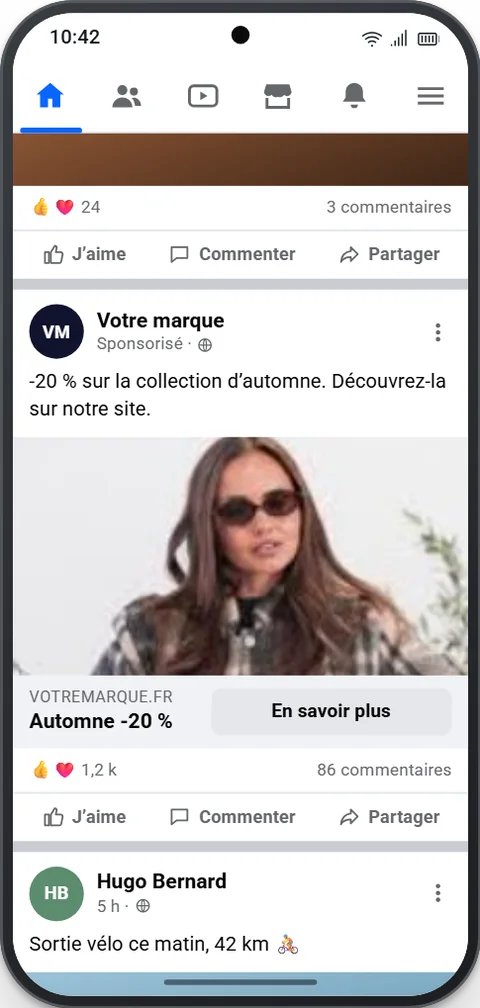
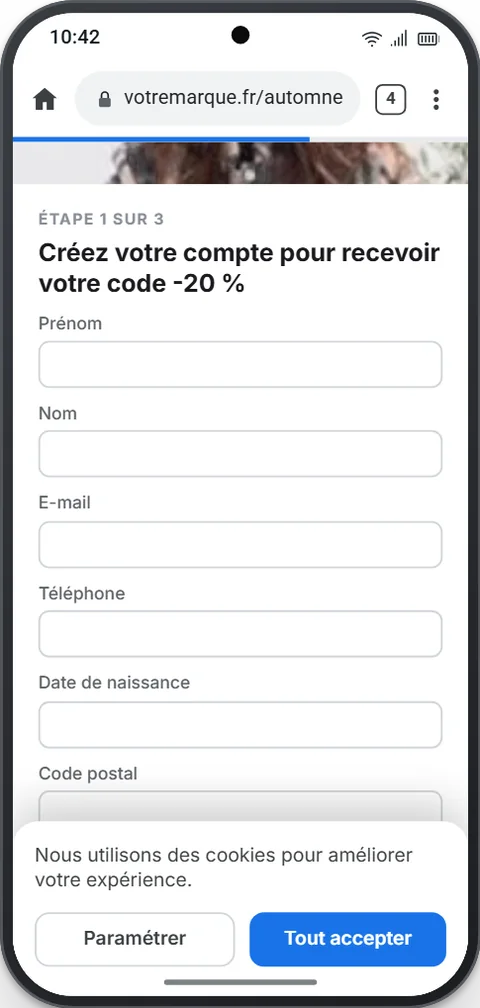
No more ads that land on a landing page.
A form, a cookie banner, and the prospect leaves. With Click-to-WhatsApp, one tap on the ad opens the conversation, and your scenario answers right away.
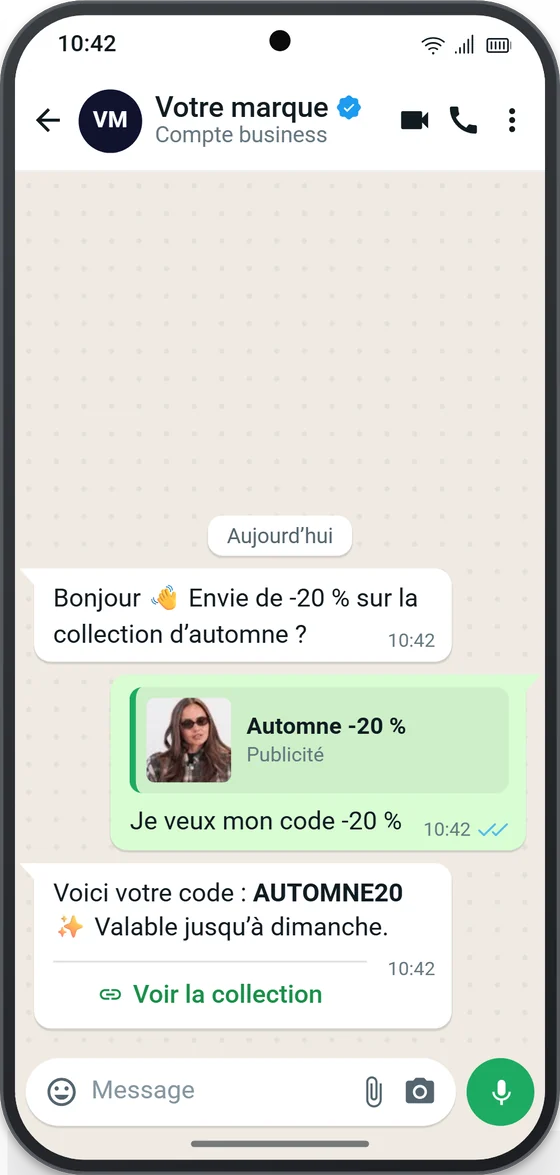
The whole journey in 30 seconds.
From the published ad to the promo code received in WhatsApp, without leaving Messaging Me.
Three steps, without switching tools.
-
1
Create the ad in Messaging Me
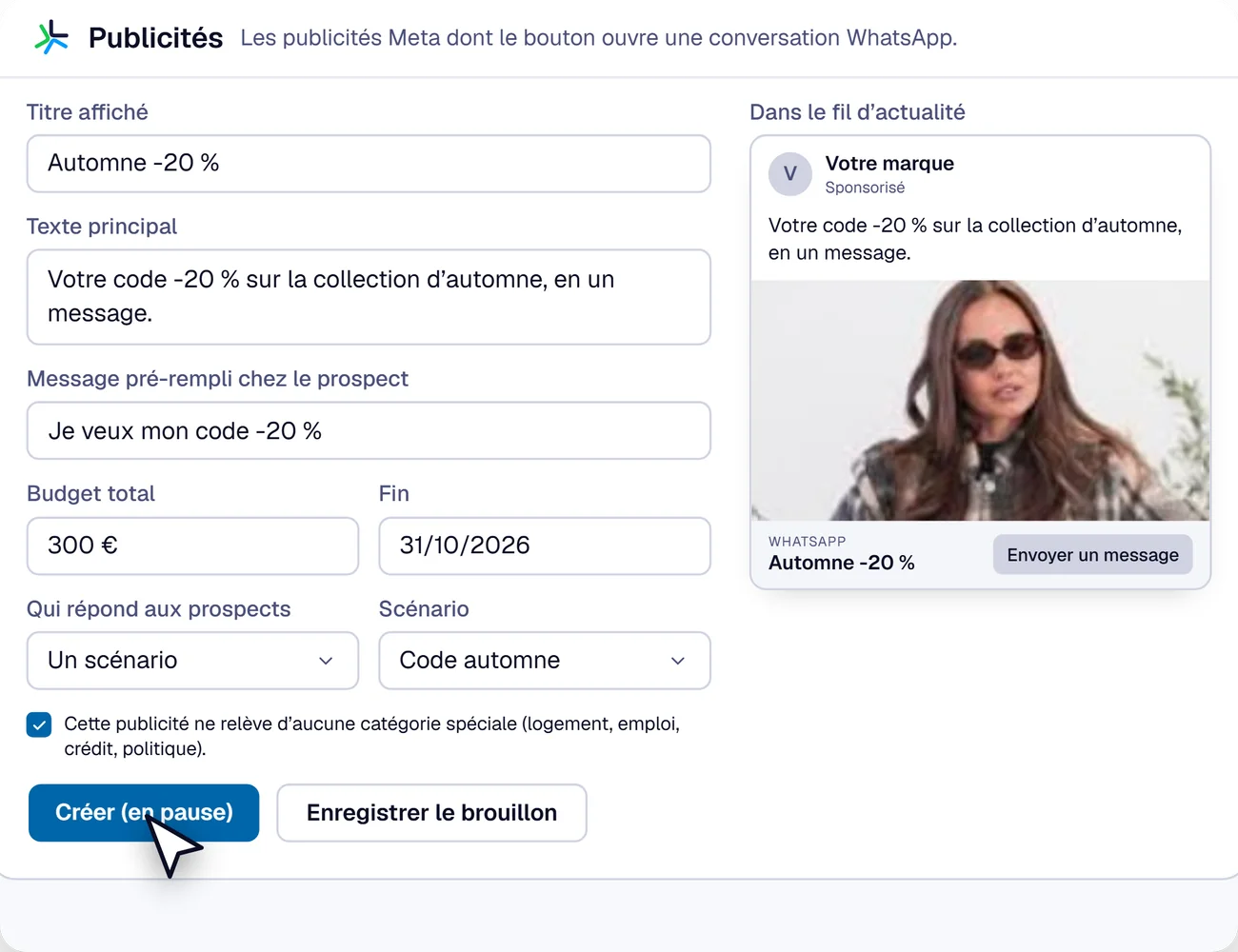
Visual, text, prefilled message, budget, dates and audiences. The ad goes to your Meta ad account, created paused: nothing is spent before you publish.
-
2
Plug in the scenario that answers
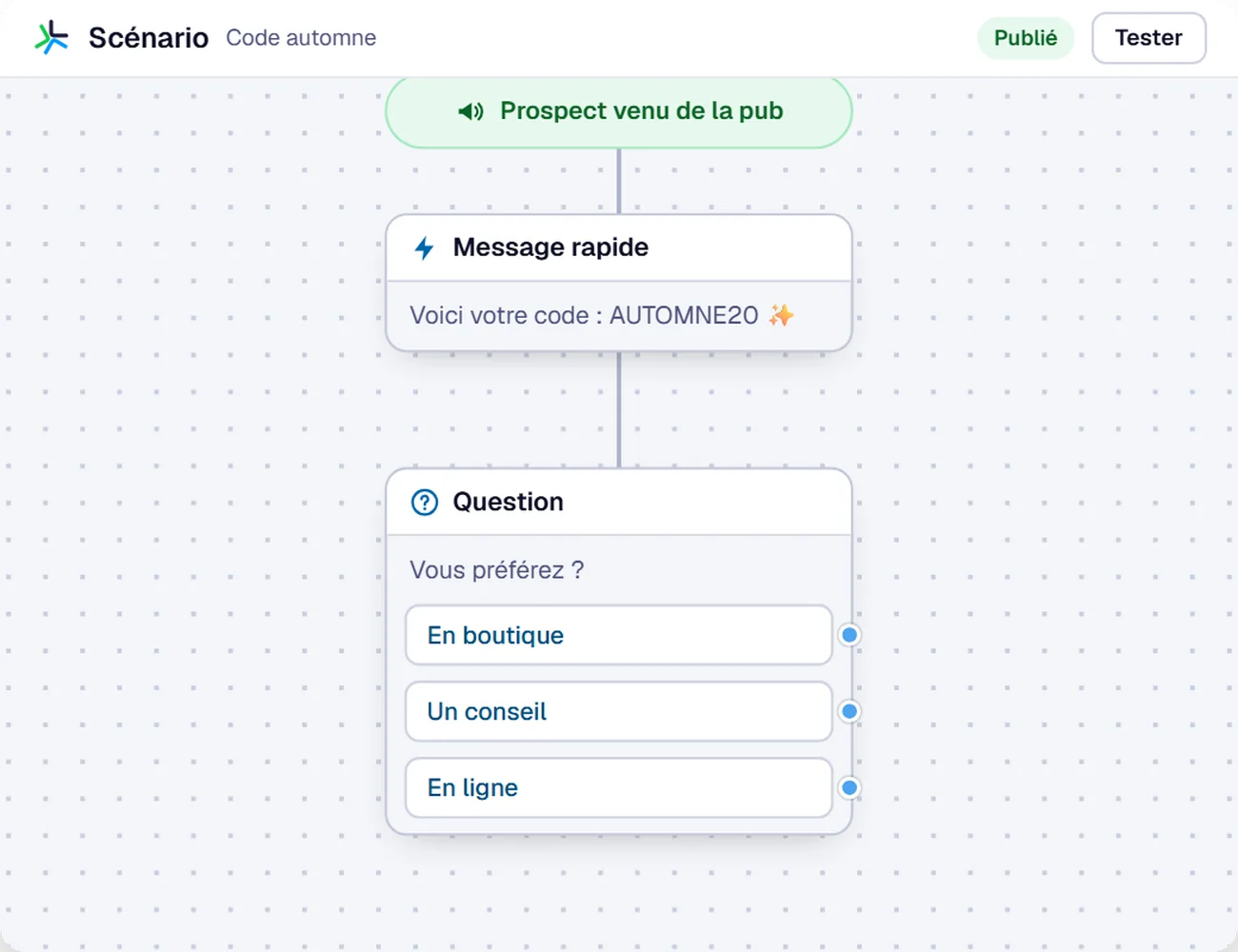
You choose it in the ad form, not in another tool. The prospect gets an answer within a second: their code, a question, a link, day and night.
-
3
Choose who takes over
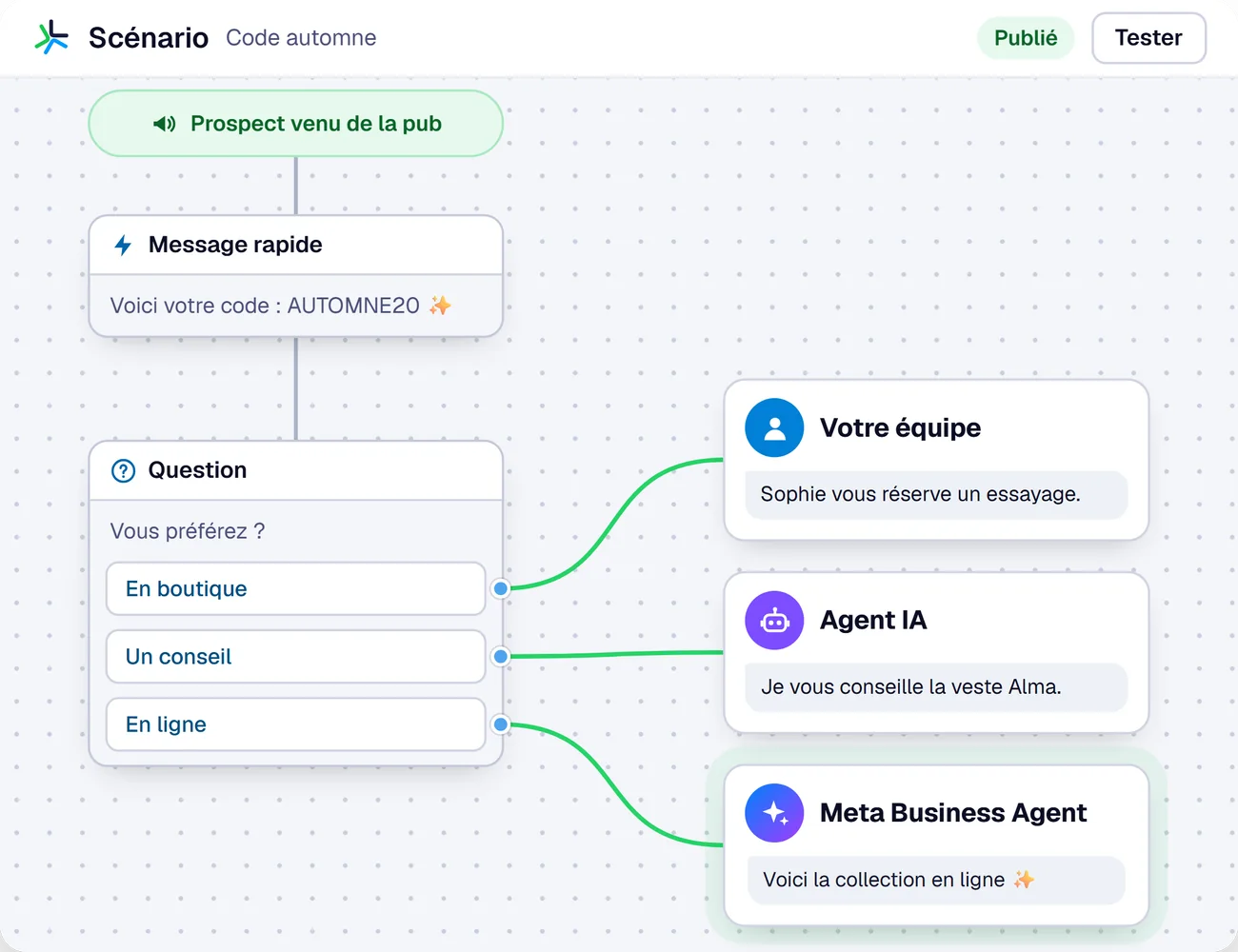
Depending on the prospect’s answer, the conversation goes to your team, to an AI agent or to the Meta Business Agent.
Affordable. You only pay for the ad.
When a prospect writes to you from the ad, WhatsApp messages are free for 72 hours.
- Your budget, your accountThe ad runs from your Meta ad account. Messaging Me never takes control of your budget.
- Nothing goes out without youTotal budget and end date required, ad created paused: you know the maximum spend before you publish.
Every euro tracked down to the qualified conversation.
Spend, clicks, prospects and qualified conversations, on the same screen as the ad, with the cost of each step. No more figures to match between two tools: you decide, ad by ad, to cut or add budget.
- Spend€300total budget
- Clicks1,180€0.25 per click
- Prospects214€1.40 per prospect
- Qualified76€3.95 per qualified lead
Example ad, indicative figures.
Launch your first Click-to-WhatsApp ad.
A demo on your own case: your ad, your scenario, your first prospects.