
Campaigns and scenariosYour campaigns open conversations. Your scenarios answer them.
A WhatsApp template, an RCS message, or a sequence of both: you send it to the right audience, at the right time. When a customer replies, a scenario takes over, day and night, or hands over to your team.
The whole scenario in 36 seconds.
The campaign goes out, your customers reply, and a scenario answers them: an AI agent, your team, or your own tools queried live.
From campaign to conversation.
-
1
Build the campaign in five steps
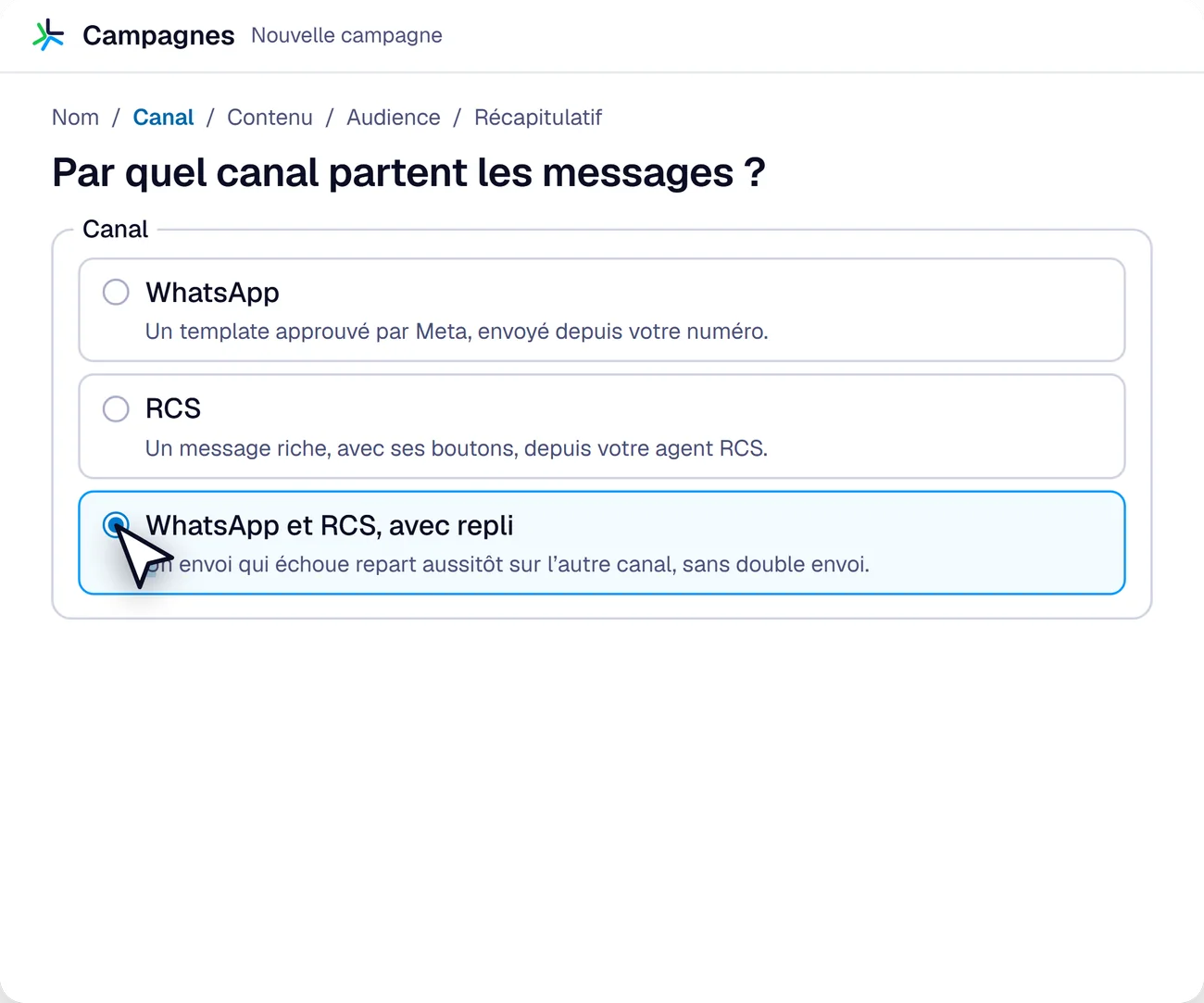
The name, the channel (WhatsApp, RCS, or a sequence of both with fallback), the content (an approved template, an RCS message or a scenario), the audience (a list filtered by tags, an import, a HubSpot list), then the summary, which tells how many contacts each stage reaches.
-
2
Replies land in the Inbox
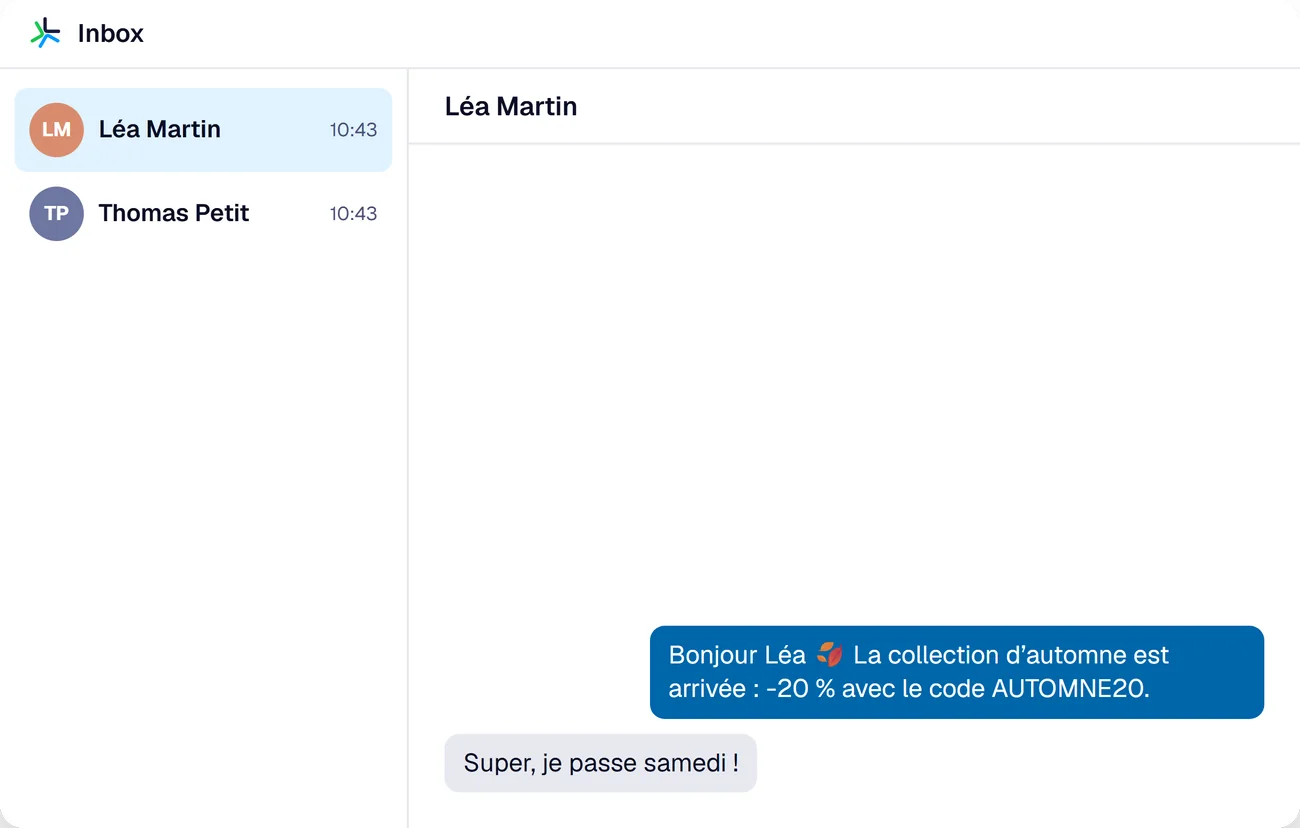
Every customer who replies opens a conversation. Your team picks it up, or the automatic responder handles it: an AI agent, the Meta Business Agent or a scenario.
Scenarios that answer for you.
A trigger, a few blocks, and the customer gets an answer within a second. Four examples, among everything a scenario can do.
-
Abandoned cartsWebhook from your websiteA cart is abandonedSend templateYour cart is waitingQuestionNeed help to check out?Your teamTakes over the conversation
-
Back in stockWebhook from your storeThe item is back in stockSend templateBack in size MQuestionShall we set it aside for you?ActionTag “reservation”
-
Early check-inReminderThe day before arrivalSend templateWould you like to arrive from 11 am?QuestionYes, please / No thanksActionTag “early arrival”
-
Insurance claimKeyword“claim”FormDate, place, circumstancesQuick messageYour claim is recordedAssignAn advisor takes the case
Without a single line of code.
- Blocks to assembleMessage, question, form, condition, wait, action, handover to your team or to an AI agent.
- The right triggerA keyword, a new contact, a tag added, a reminder before a date, a webhook from your tools, or the API.
- Tested before it is publishedA QR code to try the scenario on your phone, then “Publish”.
- Sent at the right timeNow or later, during business hours if you want, at an adjustable pace. A customer who replied STOP gets nothing more.
Launch a campaign that opens conversations.
A demo on your own case: your audience, your template, your first scenario.