1. Choose who
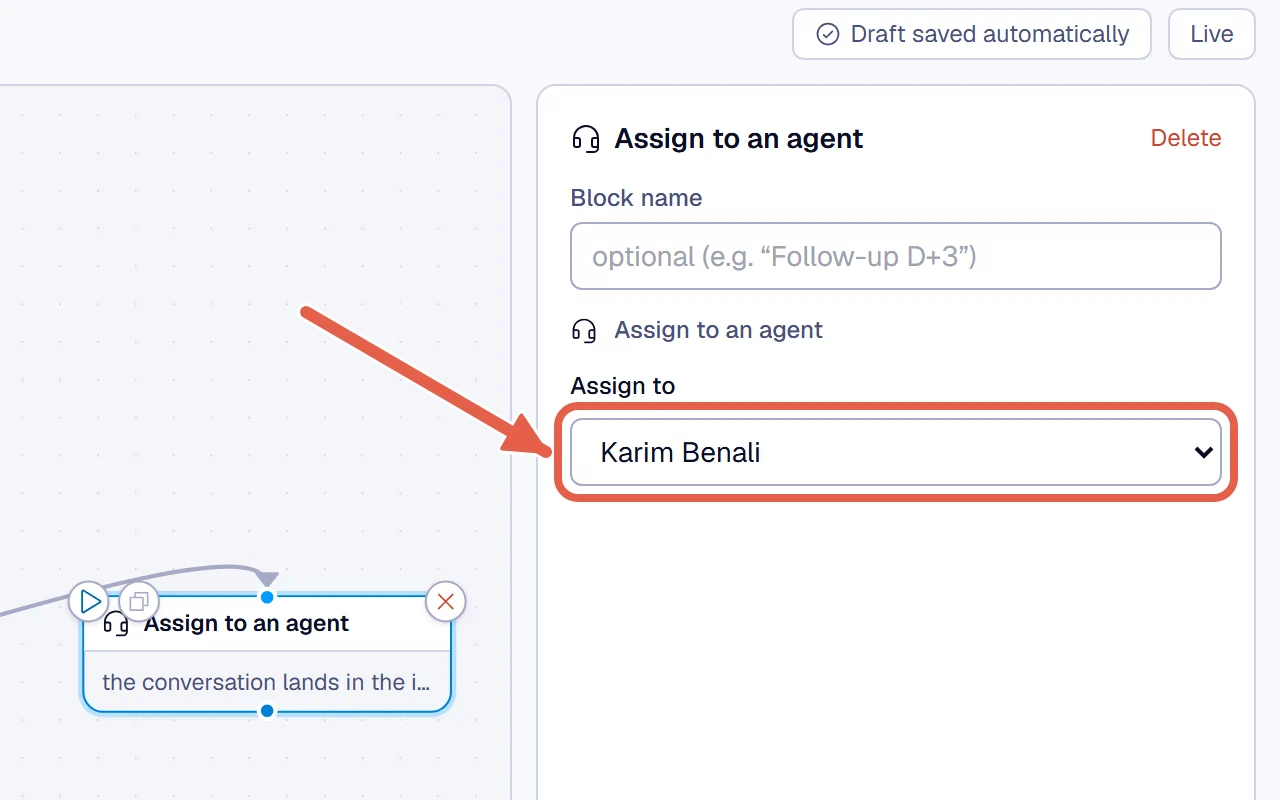
Click the block, then choose in "Assign to": a team member, or "no one in particular (shared pool)".
In detail
- Only active members are offered. A member removed since then receives nothing: the screen warns you.
- "Shared pool" does not remove a member already assigned to the conversation.
- Admins are notified by email when the conversation reaches them on a reply from the contact, never for a campaign, when a wait wakes up or after a "Go to".
2. Connect nothing after it
The block ends the journey: nothing you connect after it plays.
In detail
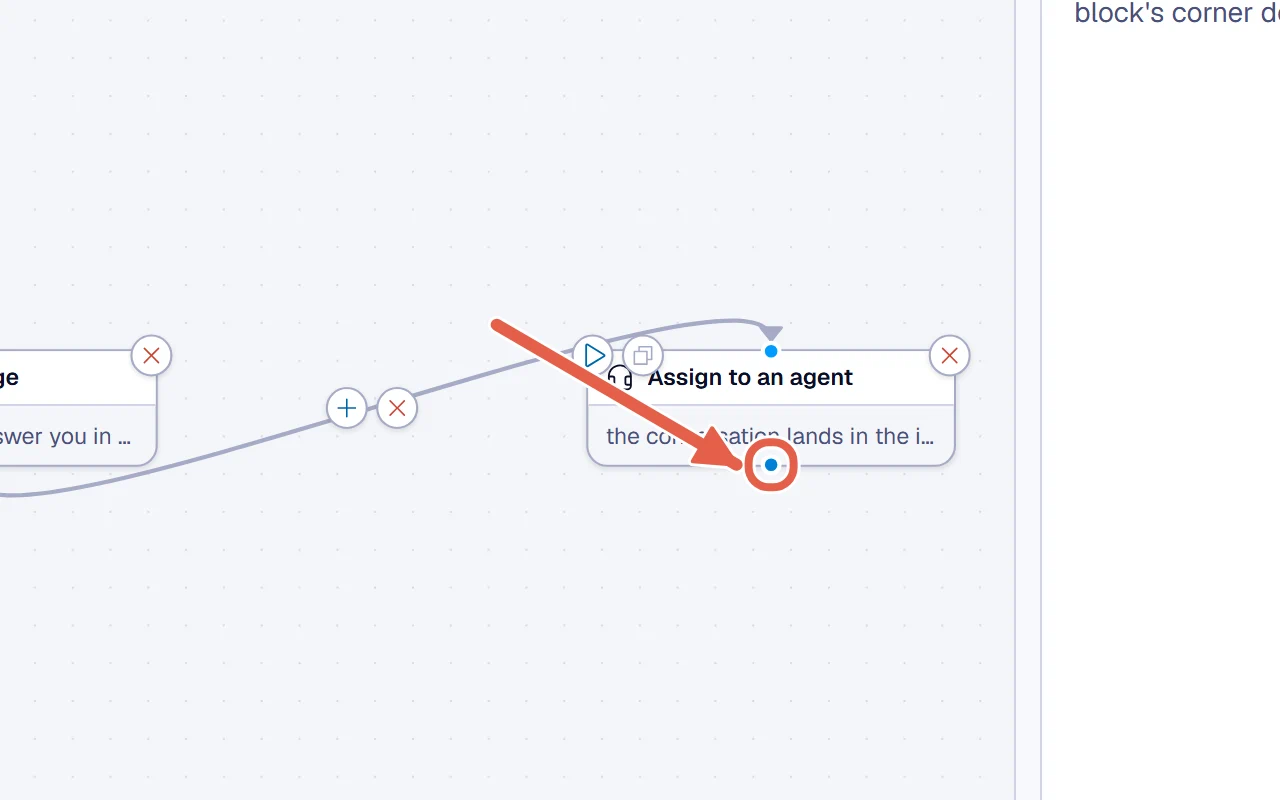
- The bottom dot, drawn on the canvas, does nothing.
- The blocks placed before it play first, then the conversation goes to the team.
- Alone at the start of a scenario, it prevents launching it as a campaign.
- It cannot follow the "Then, without waiting" output of a quick message: the scenario cannot be published.