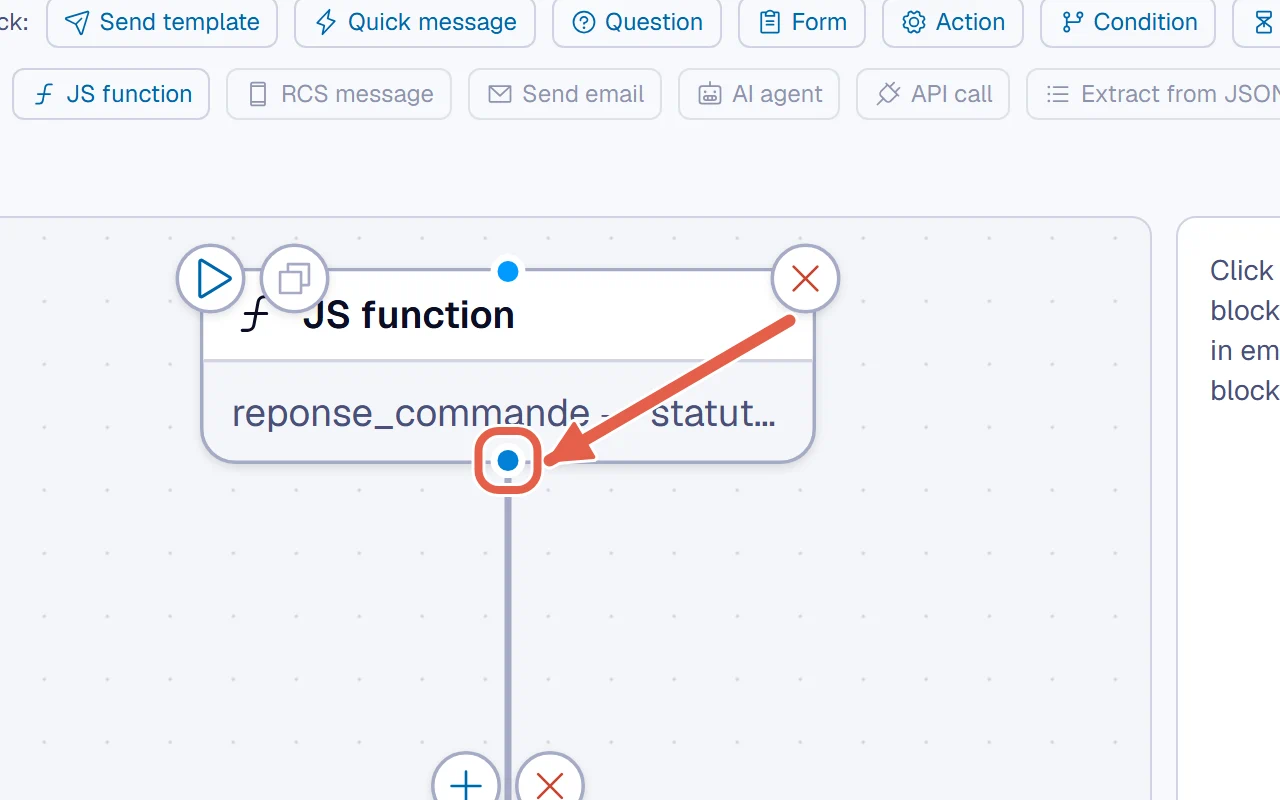
1. Choose the field to transform
Click the block, then choose in "Field to transform": a contact field, or "Now".
In detail
- "Now" gives the date and time of passage in UTC time, for example 2026-11-17T09:30:00.000Z.
- The value always arrives as text: an empty field gives an empty text.
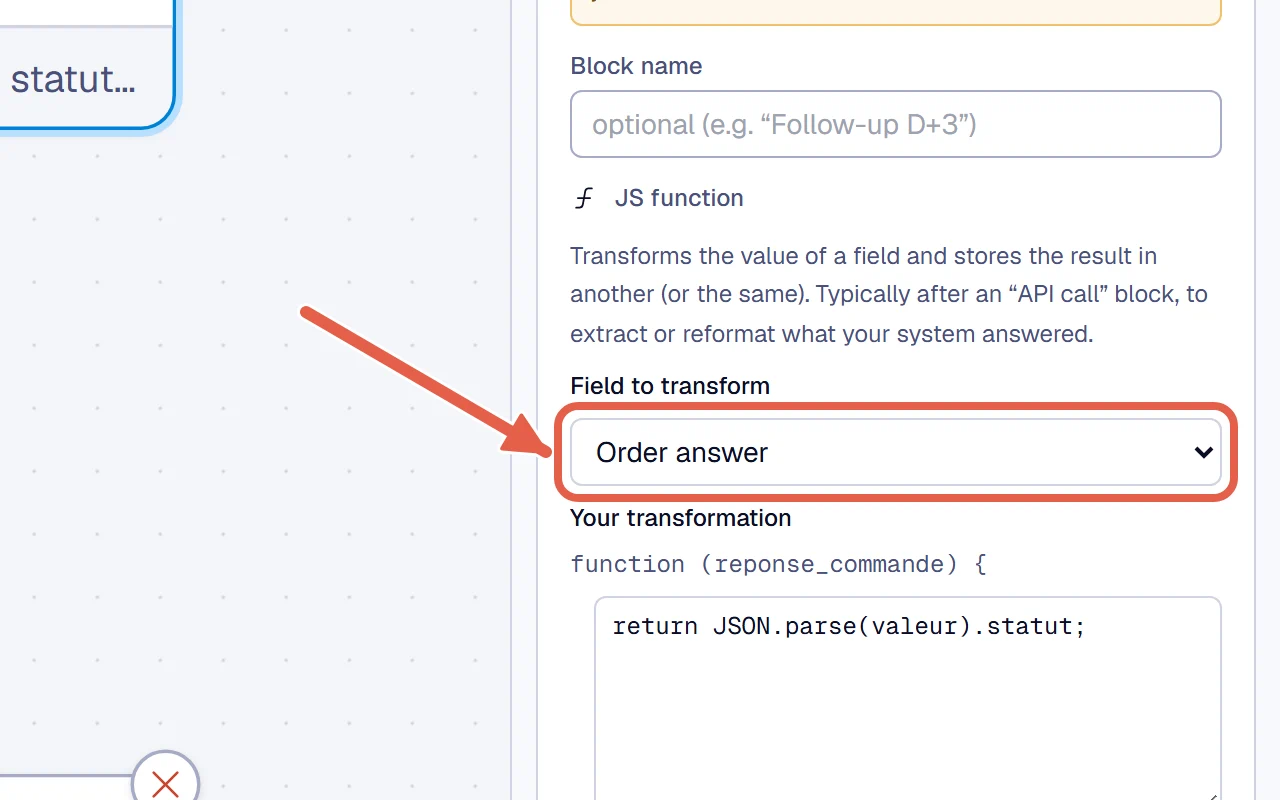
2. Write the transformation
Only the inside of the function: the value arrives in valeur, and return gives the result.
In detail
- Without return, the result is empty.
- 4,000 characters at most. The function has 200 ms and 8 MB to run, and no network access.
- An object or a list returned becomes JSON; anything else, text.
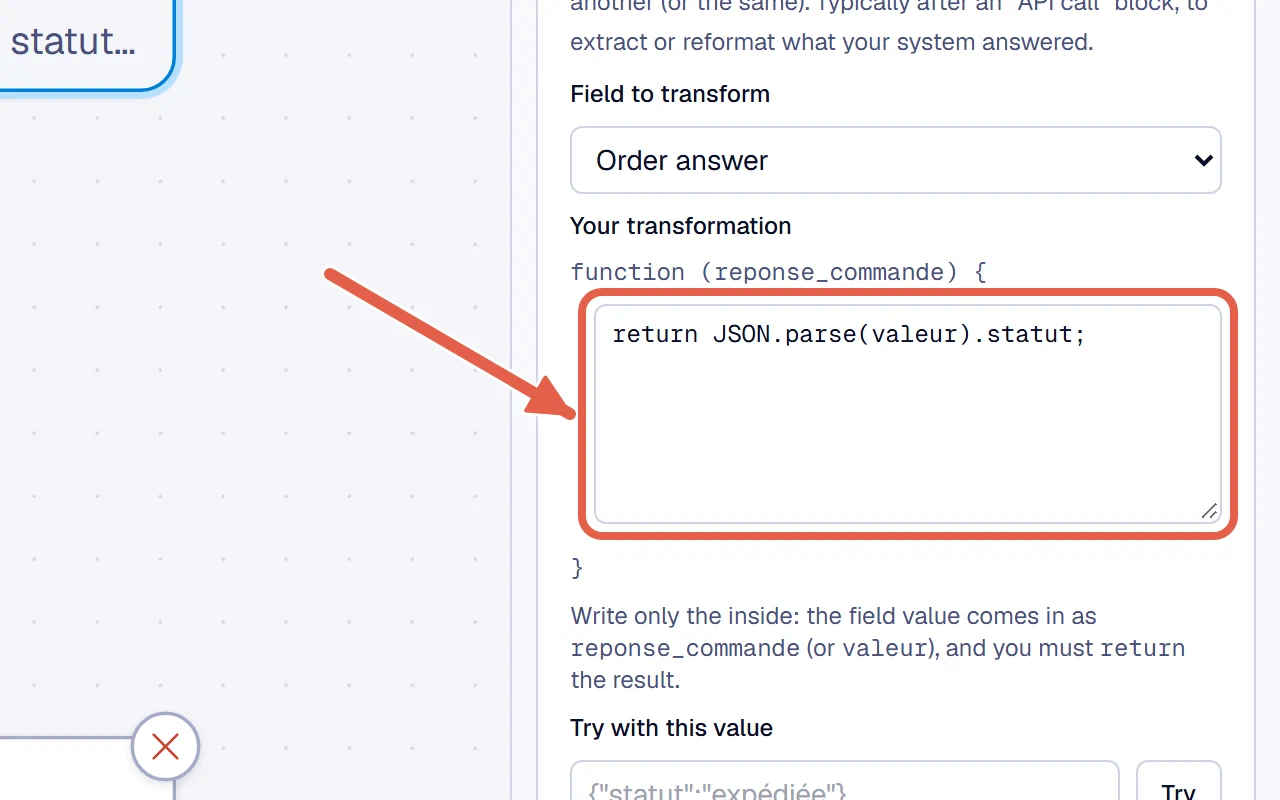
3. Try it
Type a value in "Try with this value", then "Try".
In detail
- The try runs with the same limits as the scenario.
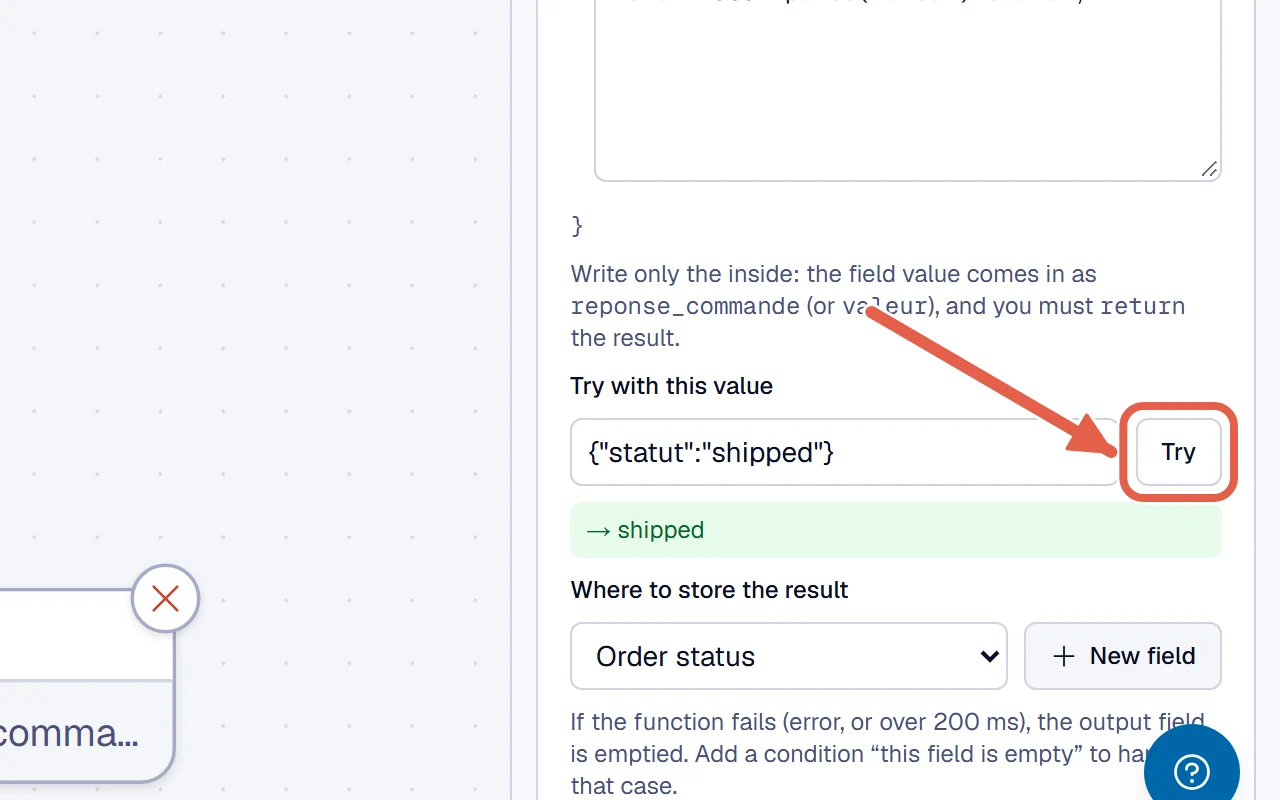
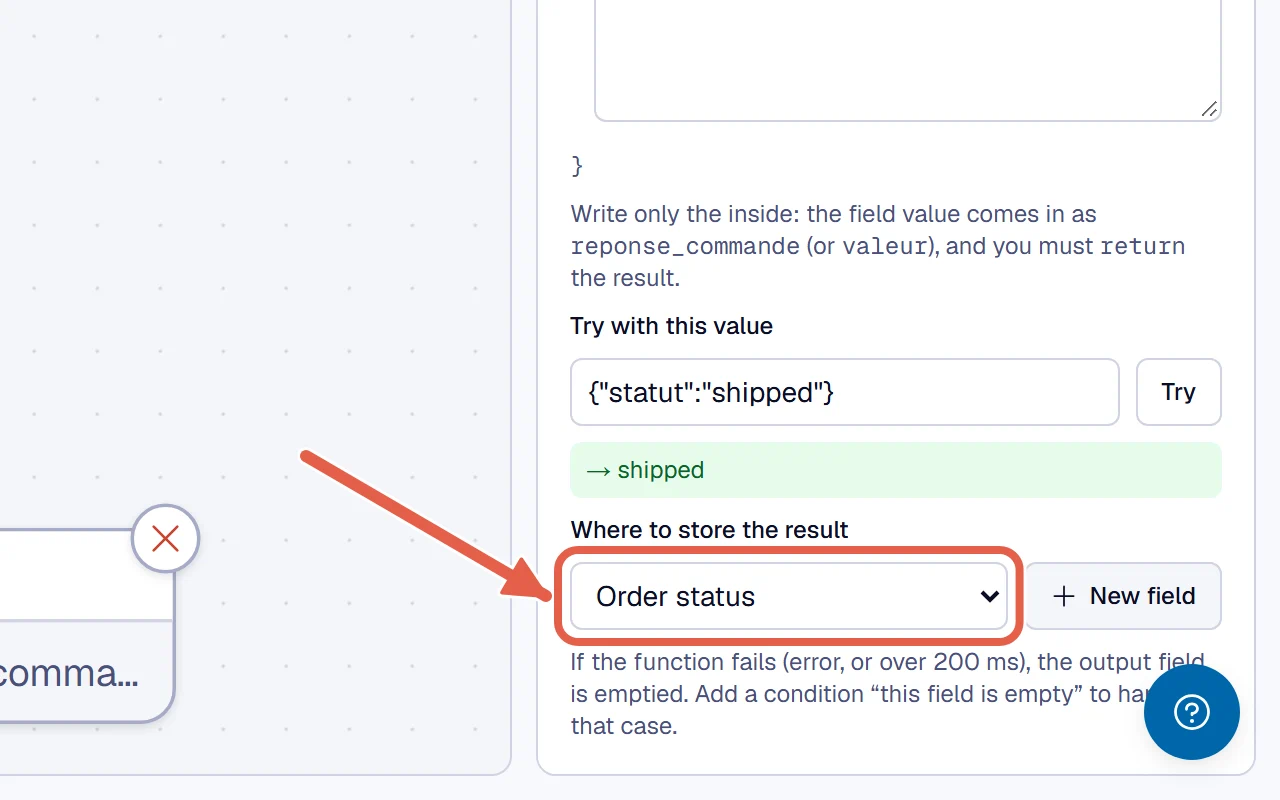
4. Choose where to store the result
"Where to store the result": an existing field, or "New field".
In detail
- A new field is created as text; its type is changed in Content > Library > Fields, except to JSON.
- If the function fails (error, time, memory, code too long), the field is emptied and the journey goes on: connect a Condition "this field is empty".
- To a JSON field, the result must be valid JSON of 16 KB at most, otherwise the field is emptied.
5. Connect what follows
The block has only one dot, at the bottom: what follows goes out right away.
In detail
- A Condition placed after it reads the result, except in a campaign or behind "Then, without waiting": it then reads the old value.
- It can follow the "Then, without waiting" output of a quick message.
- Connected to nothing, the journey stops there.