
1. Open “Keep my WhatsApp Business app”
Ask Claude Code: it gives you a link to the “Connect WhatsApp” page. In the console, the same button is on the Home screen. The page sums up what changes, then the button opens Meta’s window, where you sign in with your Facebook profile.
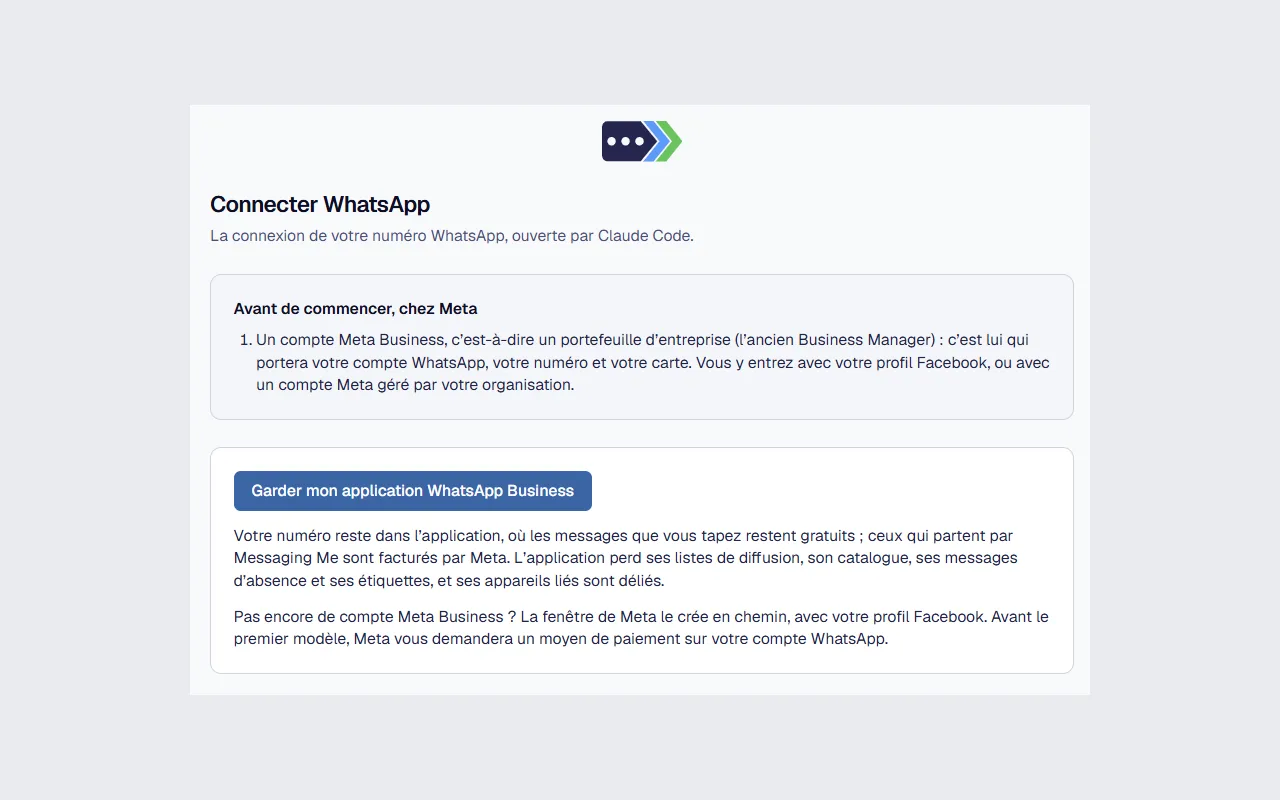
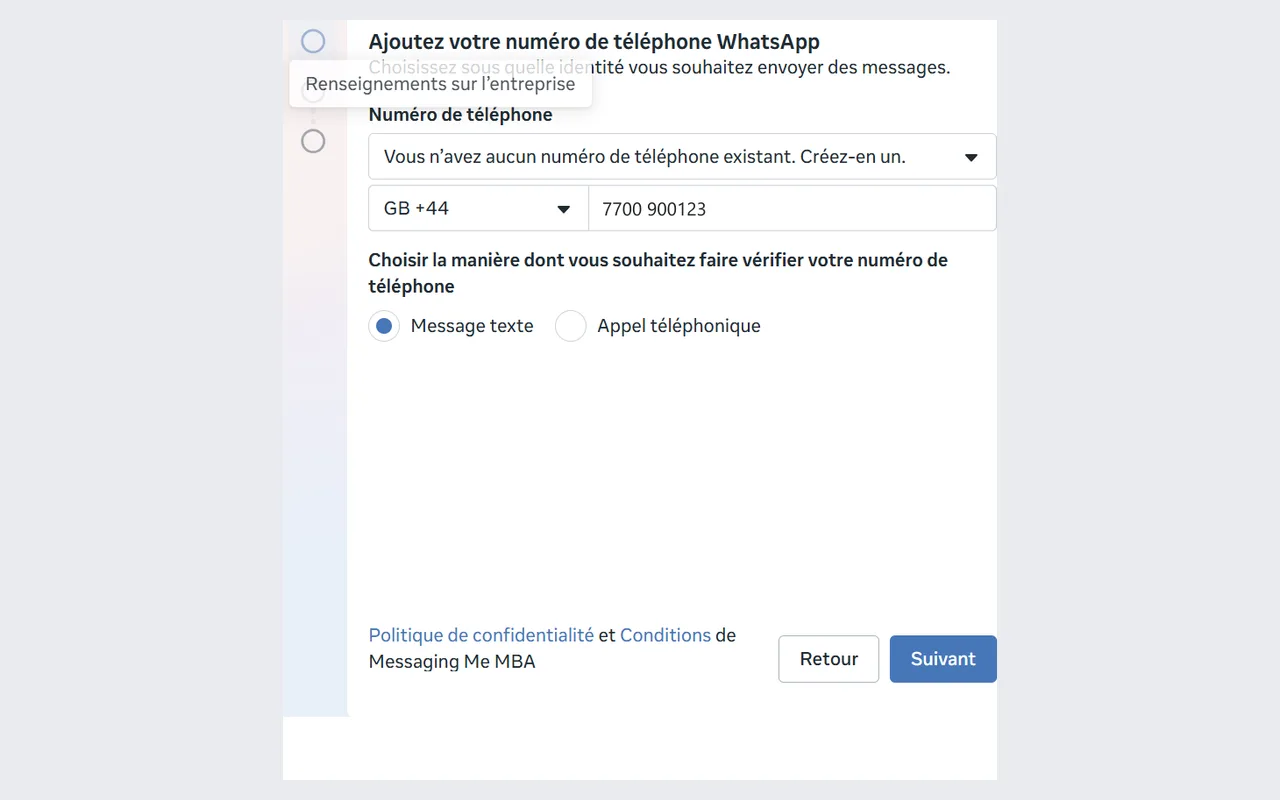
2. Enter your number
Enter the number of your WhatsApp Business app, with its country, then choose how Meta verifies it (by text message or by phone call) and follow what it asks.
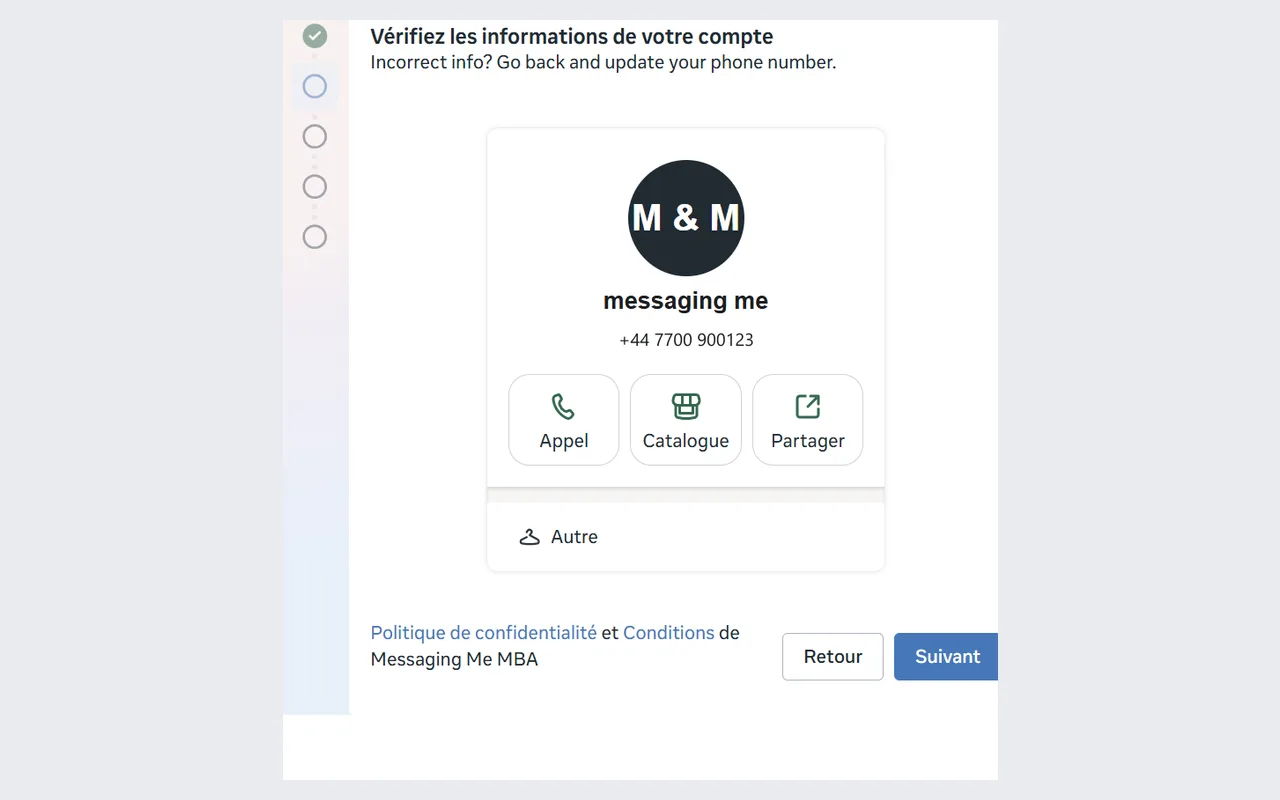
3. Check your profile
Meta recognizes your app’s profile: its name, its picture and your number. If it does not match, go back and fix the number.
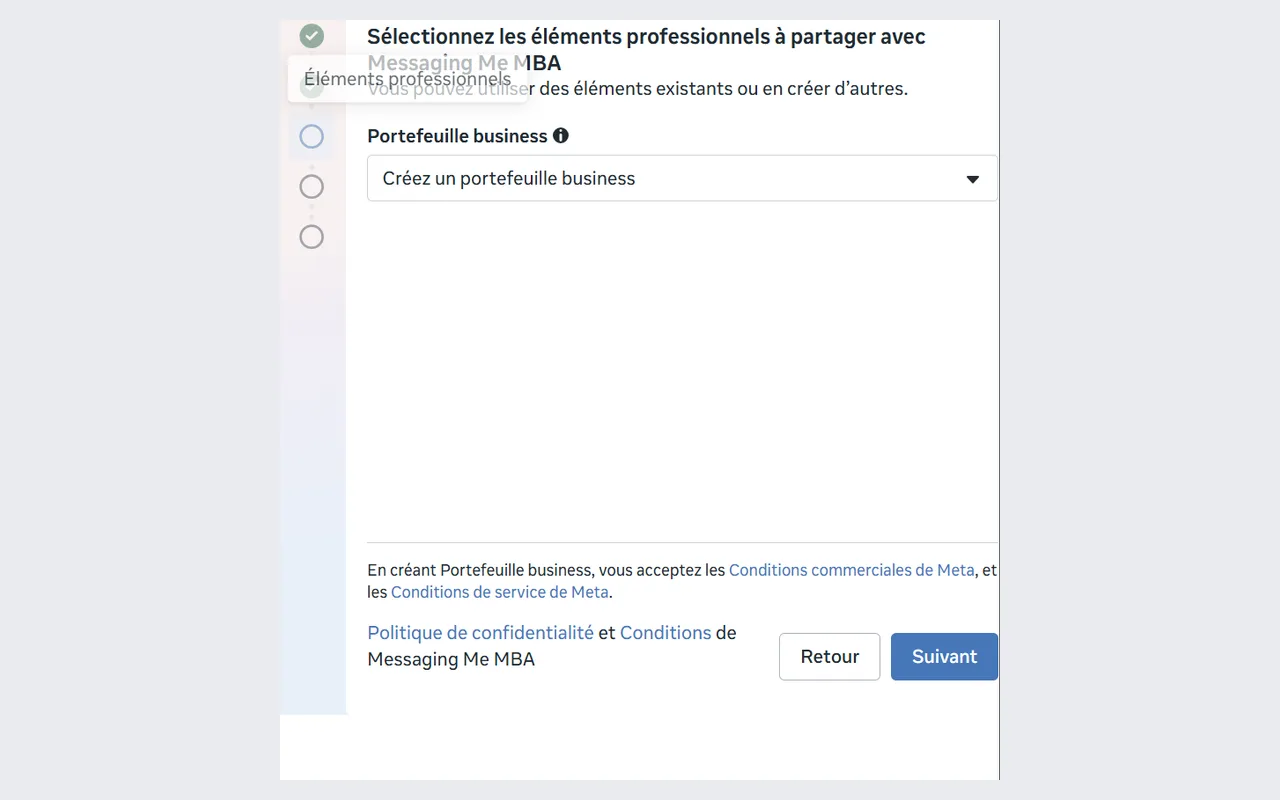
4. Choose or create your Meta Business account
If you already have a business portfolio, choose it. Otherwise, choose “Create a business portfolio”: it is created along the way.
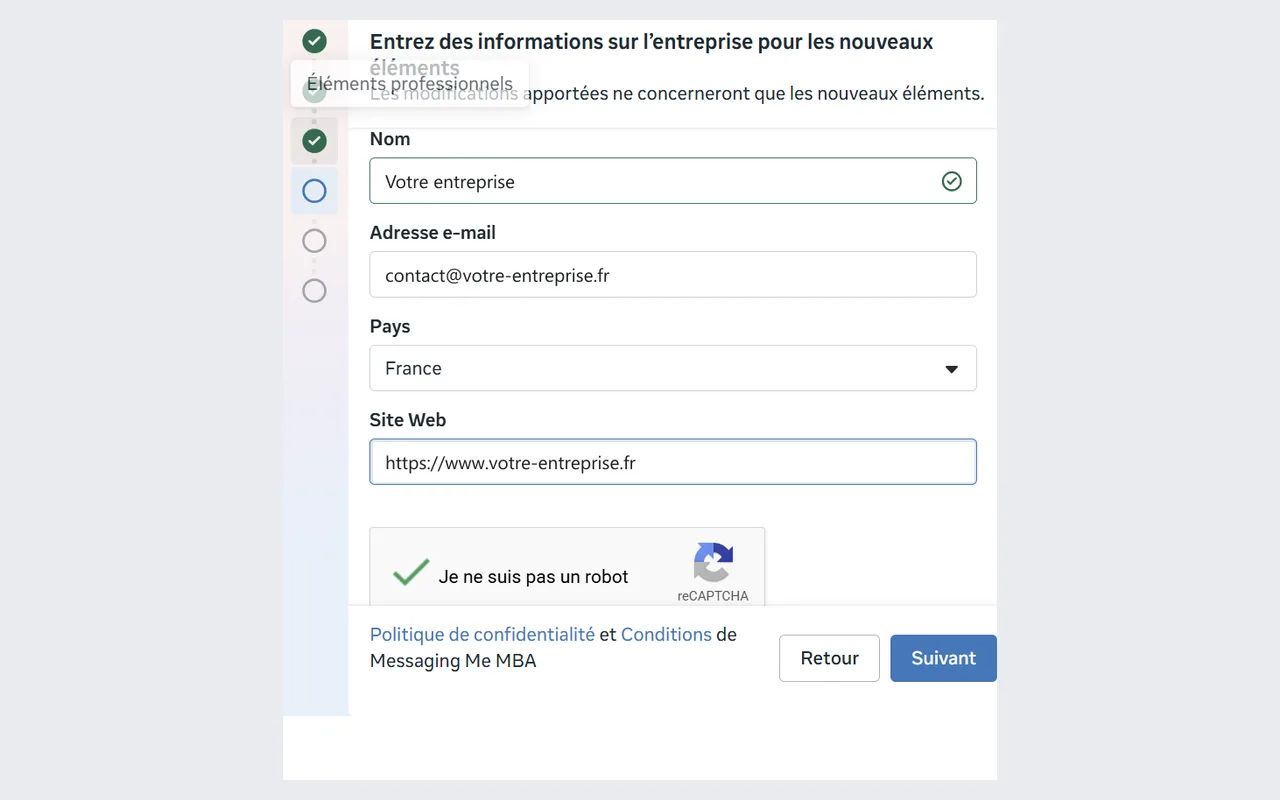
5. Describe your business
For a new portfolio, Meta asks for your business name, an email address, the country and your website.
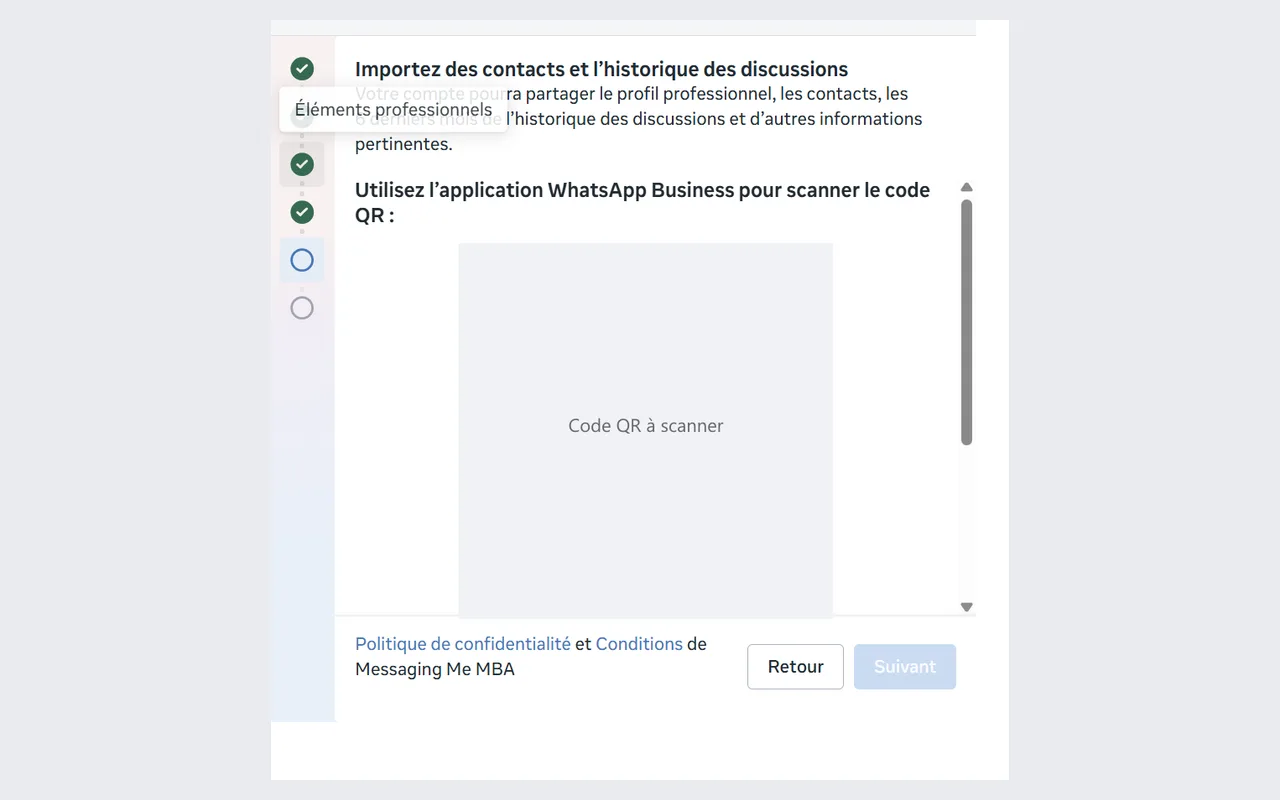
6. Link your app
In the WhatsApp Business app on your phone, scan the QR code the window shows. If you cannot scan it, the window offers an access code: a message from the official Facebook business account arrives in the app, tap “Connect”, then enter that code. Messaging Me does not take over your contacts or past conversations: they stay in the app.
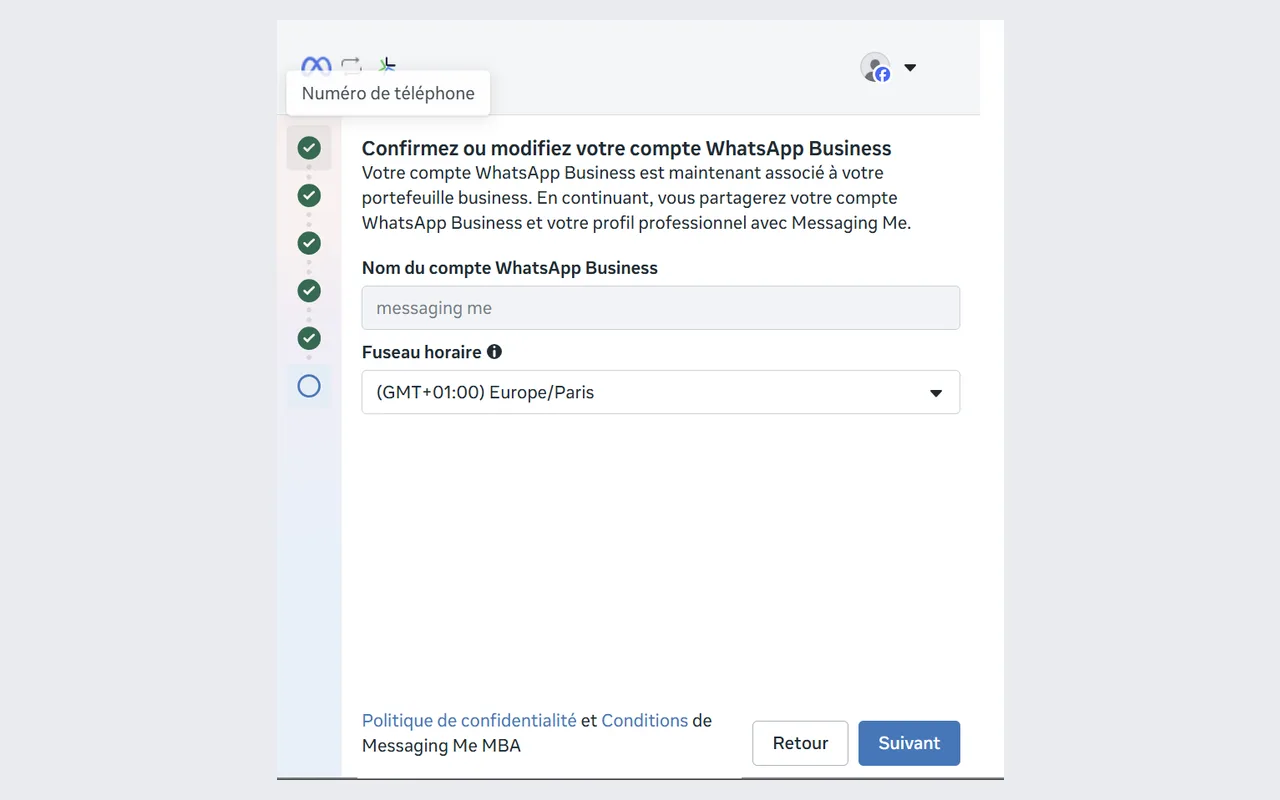
7. Confirm your WhatsApp Business account
Check its name and time zone, then continue.
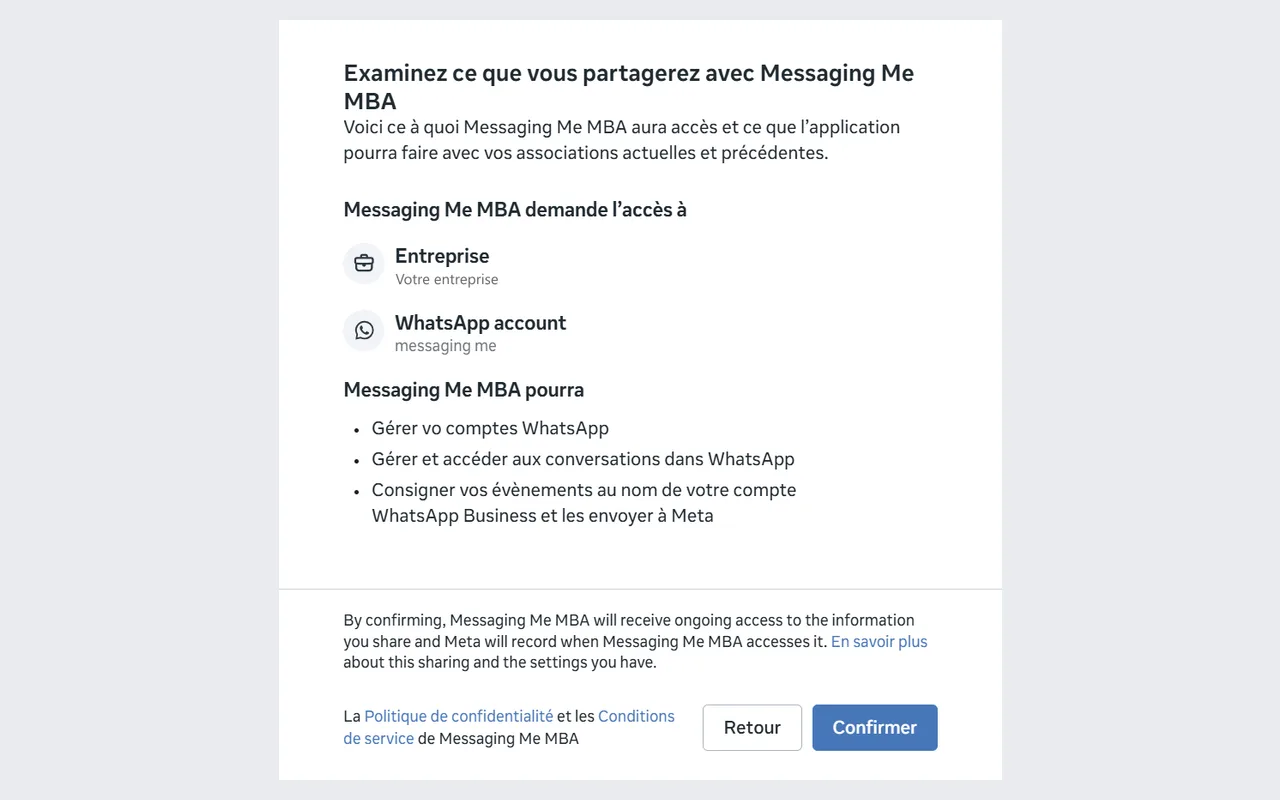
8. Accept sharing with Messaging Me
Meta sums up what Messaging Me will be able to do: manage your WhatsApp account, its conversations, and pass your account’s events on to Meta. Confirm.
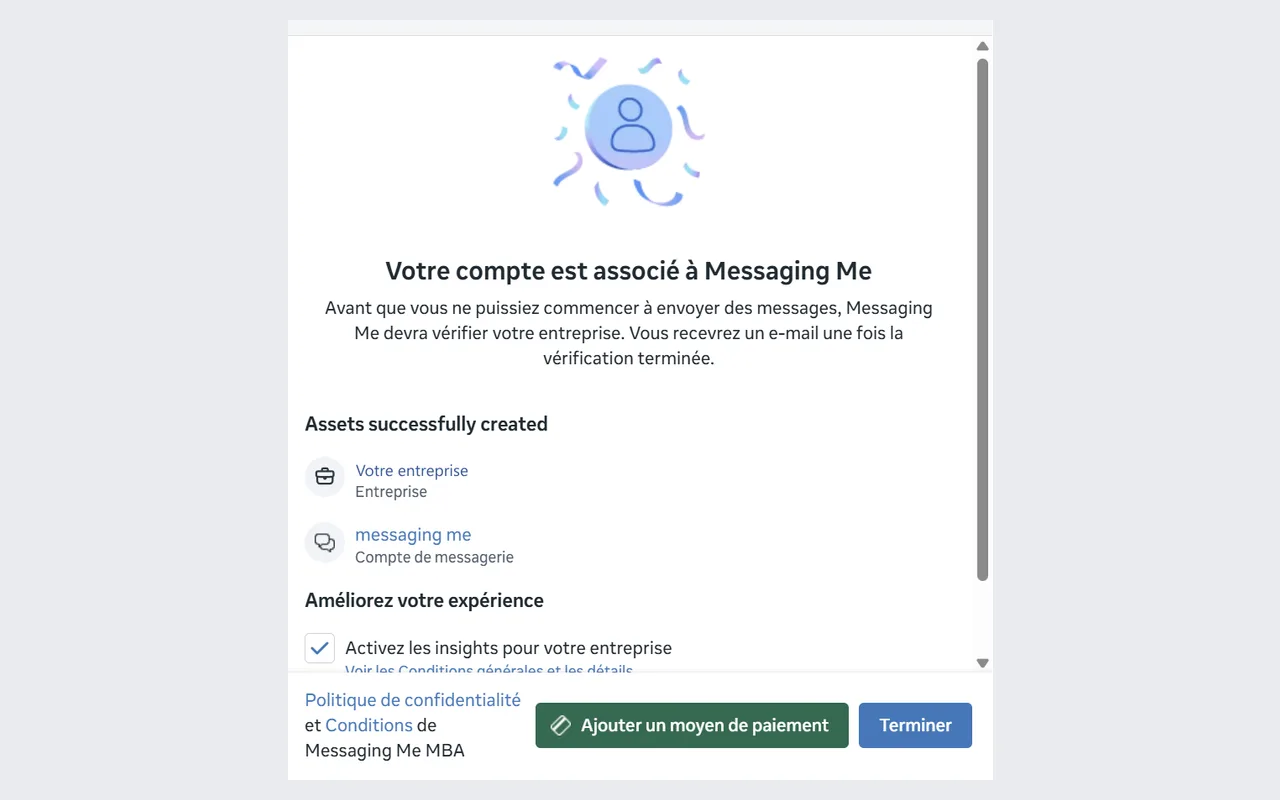
9. Finish
“Your account is connected to Messaging Me”: your WhatsApp account is created, and your portfolio if it is new. Click “Finish”; the payment method at Meta can wait for your first template. Your number shows on the Home screen. If not, start “Keep my WhatsApp Business app” again: the window picks up what is already created and completes the connection.
What changes in the app
The messages you type there stay free; those sent from Messaging Me are billed by Meta. The app loses its broadcast lists, its catalog, its away message and its labels, and its linked devices are unlinked. Open it at least every two weeks.
What you type in the app does not show in Messaging Me yet. If an AI agent answers your customers, it does not see your replies: it may answer at the same time as you.