
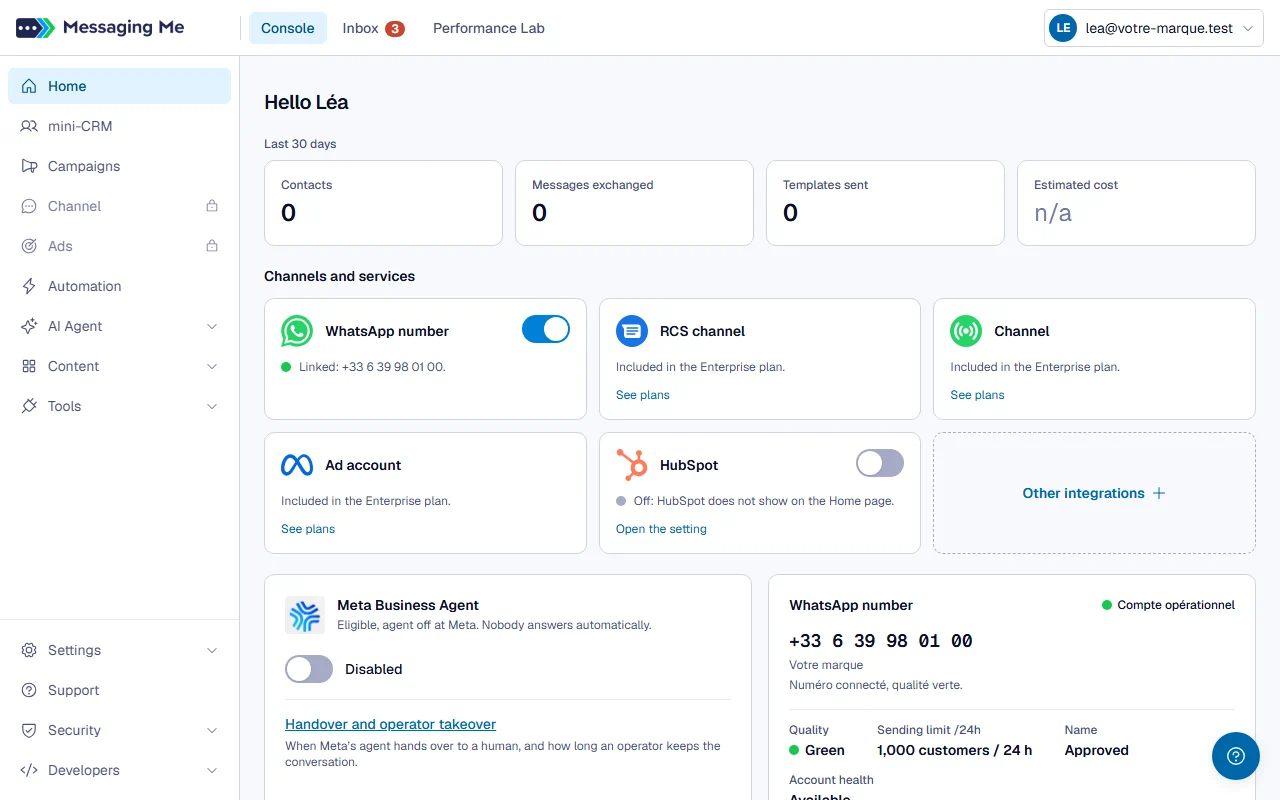
1. Console, for everything you set up
This is the setup tab: your contacts, your campaigns, your scenarios, your agents, your content and your tools.
In detail
Its menu: Home, mini-CRM, Campaigns, Channel, Ads, Automation, AI Agent (MBA, which opens the settings of Meta’s agent; Other AI agent, which opens your AI agents), Content (organised by channel: WhatsApp with Templates and Forms, RCS with Messages, Email with Templates, then Scenario and the Library with your blocks, your tags and your fields) and Tools (Webhooks, API connectors, MCP connectors, SMTP email for the mailbox that sends your emails, WhatsApp widget). Pinned to the bottom of the bar, because they do not serve daily work but configure it: Settings (General, AI credit to top up the workspace’s credit, Media library, Plan), Support, Security (Consent, AI, Audit trails, Error log) and Developers (API documentation, API keys, MCP server, Outgoing webhooks).
2. Inbox, for replying
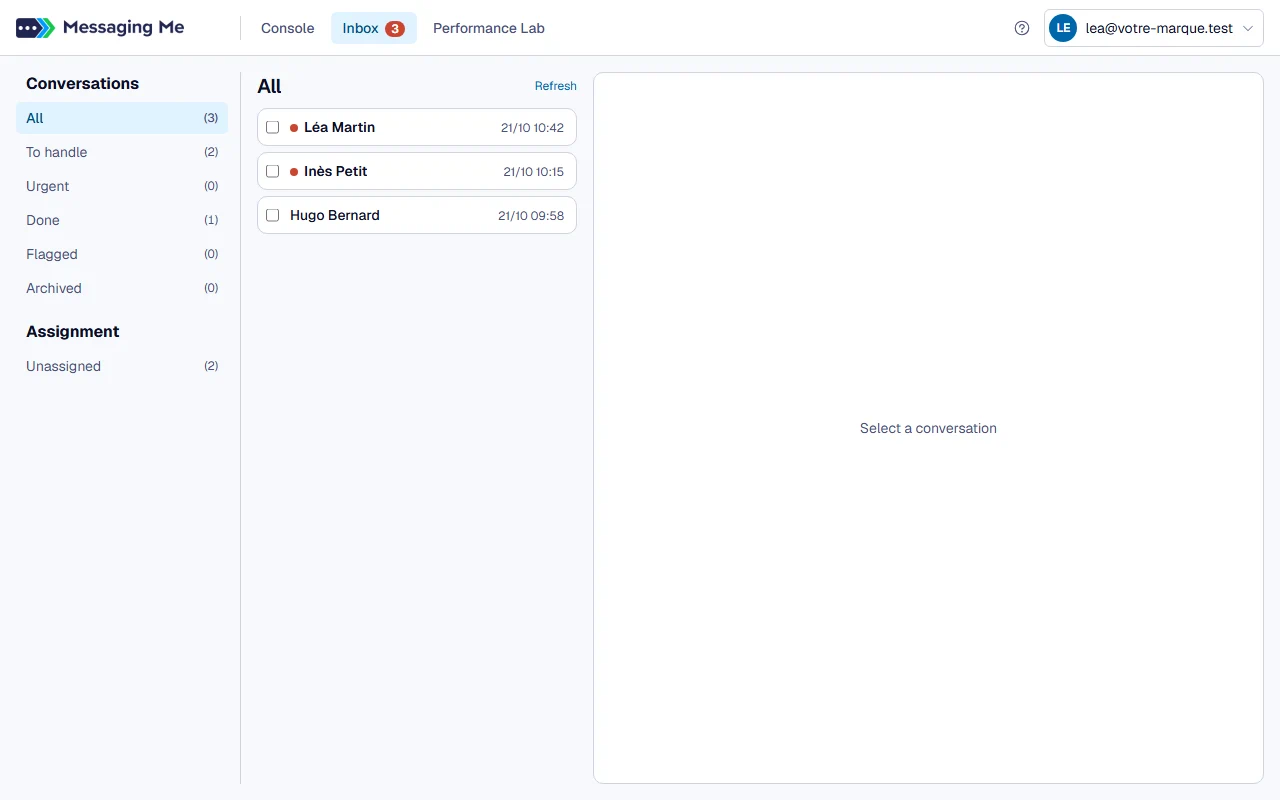
This tab has no navigation bar: it carries its own menu of folders, like a mailbox.
3. Performance Lab, for reading results
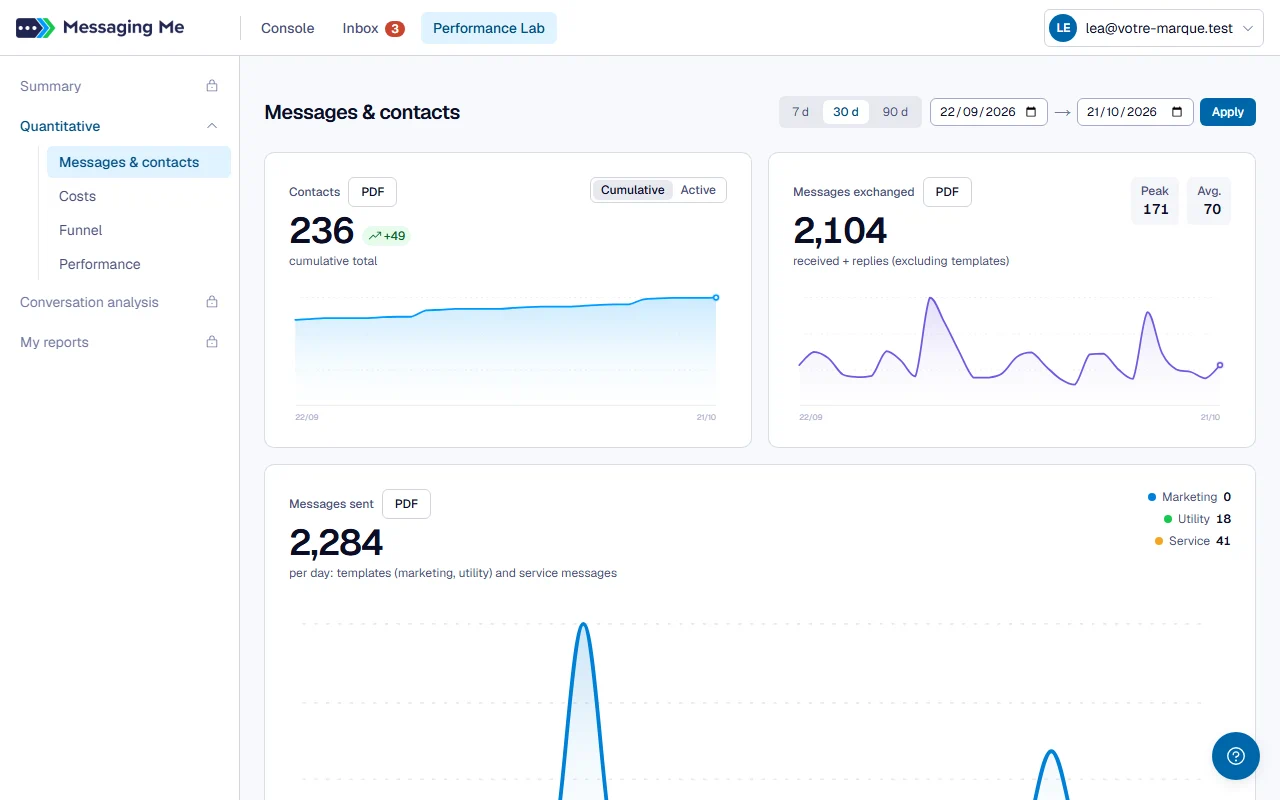
Summary, Quantitative (Messages & contacts, Costs, Funnel), Conversation analysis and My reports.
4. The Account menu, top right
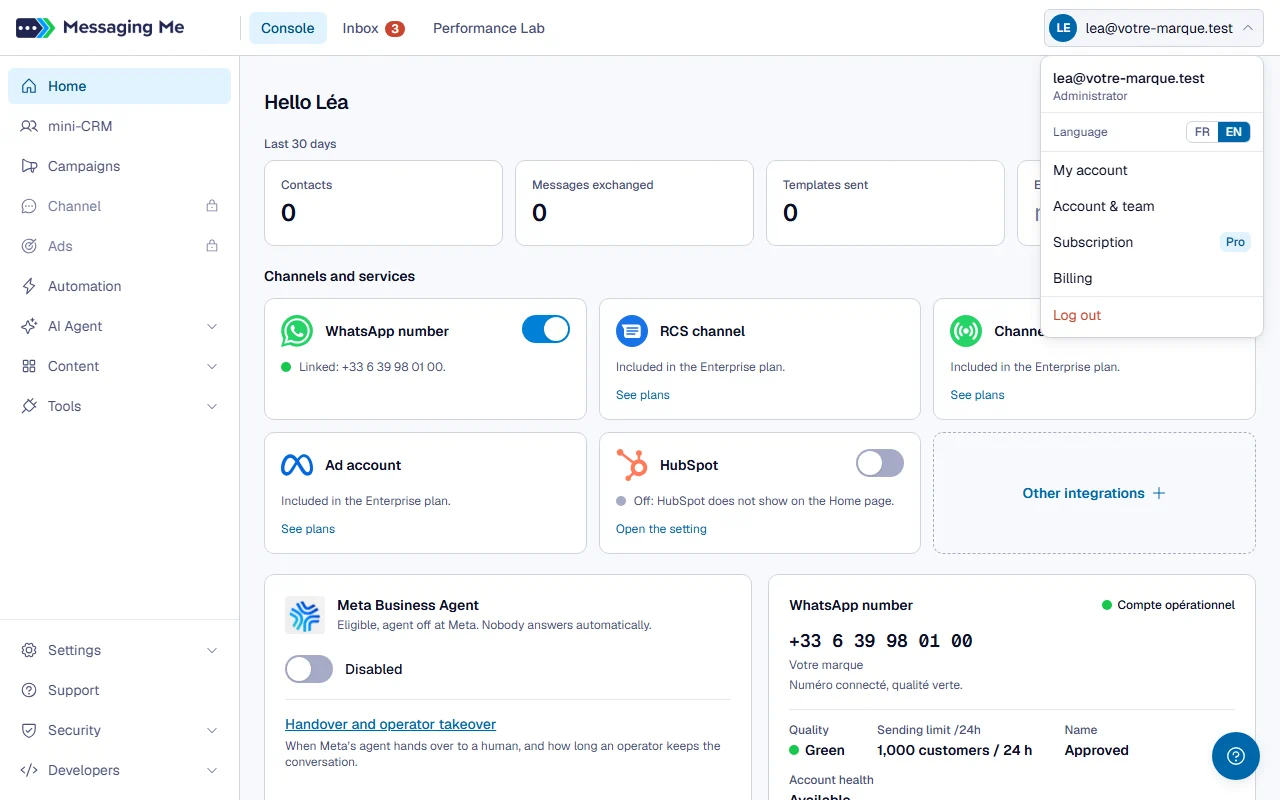
It holds what concerns you rather than your workspace: the language switch, My account (to change your password), Account & team and sign-out.
In detail
For an administrator, Subscription shows the workspace’s plan (Free, Pro or Enterprise) and opens the Plan page, and Billing opens Stripe’s portal, where you find your invoices.
The FR/EN switch changes the whole interface, including dates, numbers and percentages. It is remembered per browser, so it applies to you and not to your colleagues, and it is also available before you sign in.
5. Settings, at the bottom of the bar
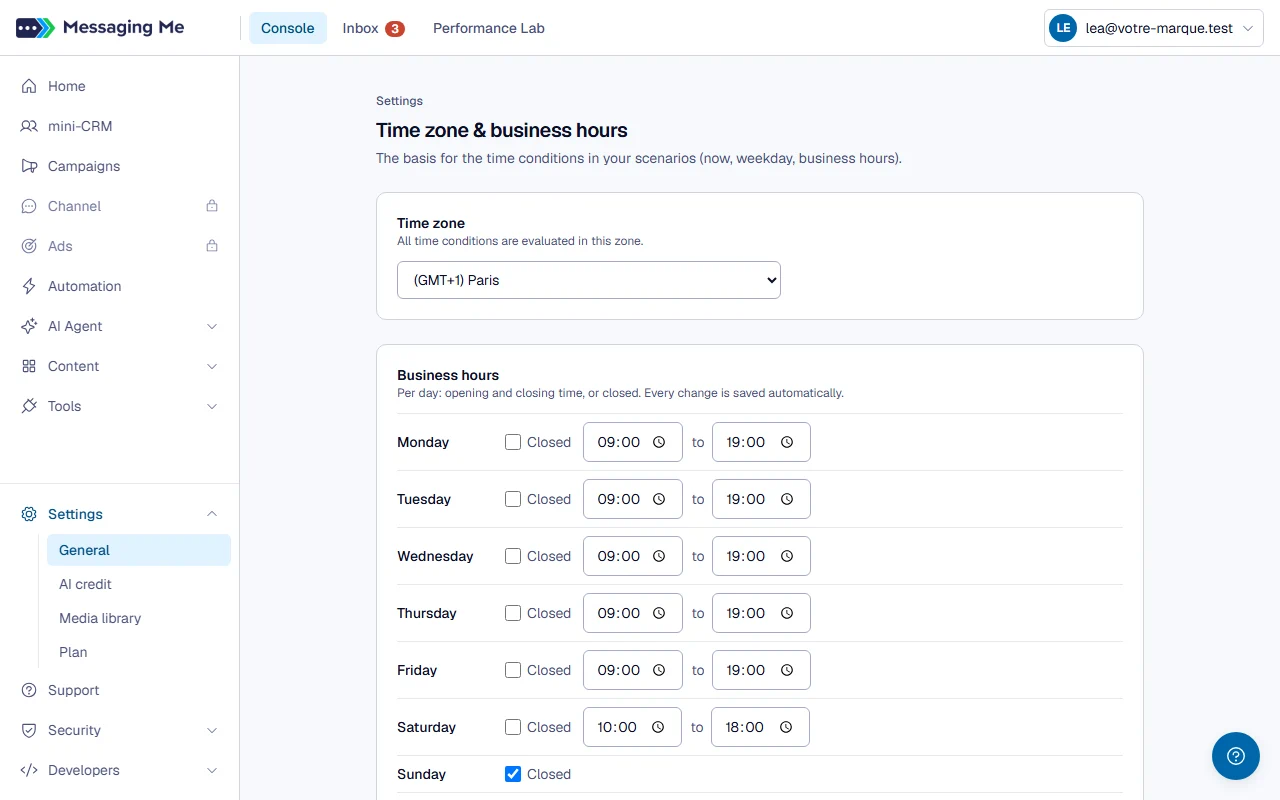
Settings > General holds your workspace’s time zone and your opening hours; Settings > AI credit shows the workspace’s prepaid credit, lets an administrator top it up, and lists what moved it.
In detail
Opening hours are set day by day, with an opening time, a closing time, or “Closed”. They are the basis for all the time conditions in your scenarios and for the option that limits a campaign to your opening hours. When your AI agents’ handover promise follows your opening hours, they also decide what the agents announce when handing over; from Claude Code, Claude can set them for you. The hours save themselves, with no button, less than a second after each change: next to the title, “saved” confirms it, and if it fails a “retry” sends the week again. A day whose closing time is before its opening time is flagged in red, and nothing is saved until it is fixed. A manager only sees one setting there, the one that lets your agents take a conversation themselves.
Groups that contain several screens fold with a click on their header. They open automatically when you are on one of their pages. Each screen keeps its own address: you can bookmark it or send it to a colleague, it reopens the same page.
An operator only sees one tab, the Inbox. Showing them three, two of which would send them straight back to the Inbox, would be promising them two closed doors.